


ubuntu-latest Moves to Ubuntu 26.04: A GitHub Actions Migration Guide
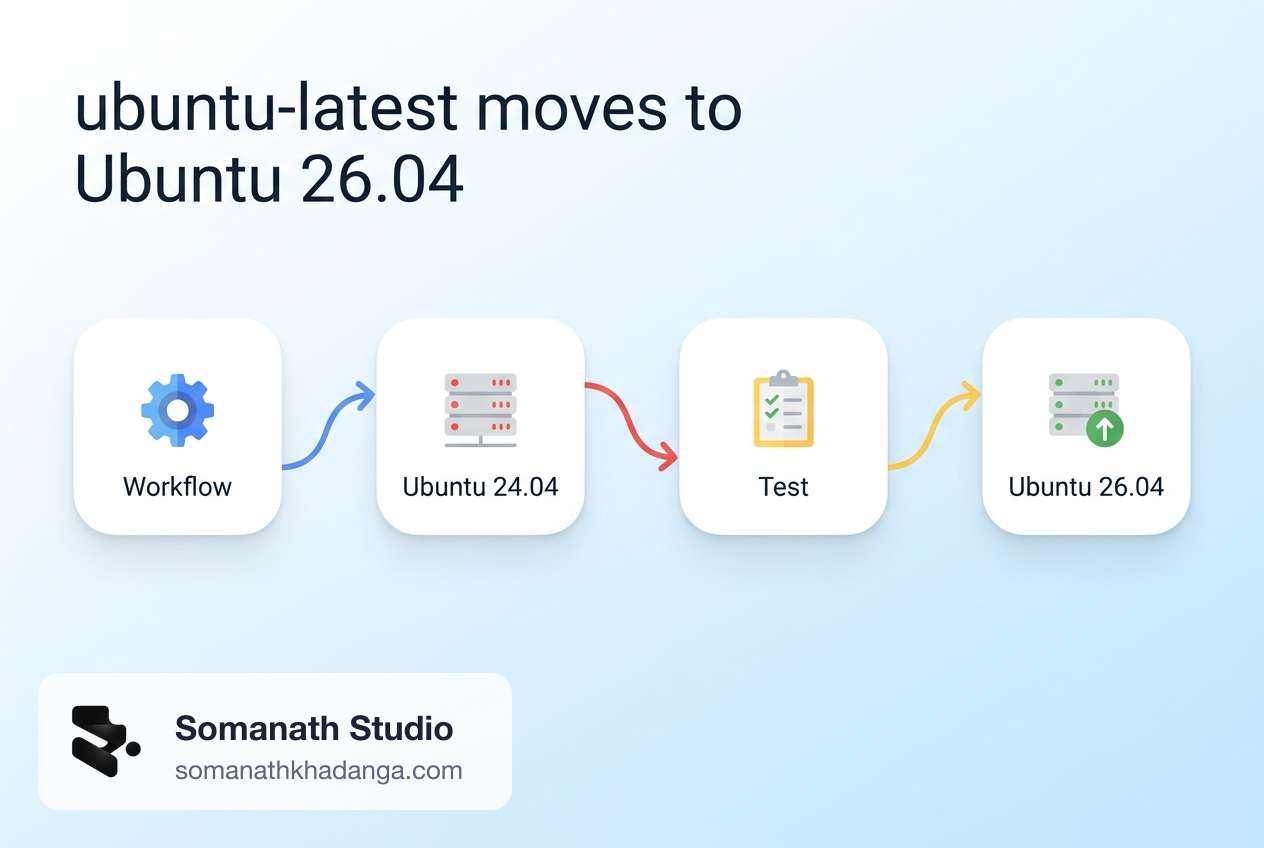
If a workflow says runs-on: ubuntu-latest, its operating system is changing this month whether or not anyone edits the file. GitHub's changelog entry of September 17 says the label moves from Ubuntu 24.04 to Ubuntu 26.04 gradually between October 19 and November 19, 2026.
For many repositories nothing visible happens. For others, a build that passed yesterday fails today with no commit to blame, because the default Node.js, Python, Java, Docker, or database version on the runner changed underneath it.
This guide covers what changed between the two images, how to find the workflows that depend on those defaults, how to test before the rollout reaches you, and how to roll back.
What changed, and when
Three facts come from GitHub's own announcements:
- Ubuntu 26.04 runner images became generally available on September 17, 2026, as
ubuntu-26.04(x64) andubuntu-26.04-arm. ubuntu-latestmigrates to 26.04 between October 19 and November 19, 2026. The migration announcement describes it as a breaking change for x64.- The rollout is gradual. Until it completes, runs of the same workflow can land on either image.
That last point explains most of the confusion. A failure that appears on one run and disappears on a re-run is often two different operating systems, not a flaky test.
As of November 11, the image table in the runner-images repository still listed ubuntu-latest beside Ubuntu 24.04, so the move was not finished. Treat November 19 as the planned end, not a guarantee.
Who is affected
A repository is affected when all three of these are true:
- It uses GitHub-hosted runners.
- At least one job uses
ubuntu-latest, directly or through a matrix or reusable workflow. - A step relies on something preinstalled on the image, without declaring a version.
Self-hosted runners are not affected. Jobs that already name ubuntu-24.04 or ubuntu-22.04 stay where they are. Arm jobs name a version in their label, so they do not move either.
Jobs that run inside a container: keep their own userland, but the host still changes, including the Docker engine that runs the container.
The default versions that changed
The table below compares the published software lists for Ubuntu 24.04 and Ubuntu 26.04, as read on November 11, 2026 (image versions 20261101). Verified against those two lists. Patch versions move with every weekly image, so check the lists again before relying on an exact number.
| Tool | Ubuntu 24.04 image | Ubuntu 26.04 image |
|---|---|---|
| Node.js (default) | 22.23.4 | 24.22.2 |
| npm | 10.9.9 | 11.19.1 |
| Python (system) | 3.12.3 | 3.14.4 |
| pip | 24.0 | 25.1.1 |
| Ruby (system) | 3.2.3 | 3.3.8 |
| Java (default) | 17 | 25 |
| PHP | 8.3.6 | 8.5.4 |
GCC (default gcc) | 13 | 15 |
| Clang | 16, 17, 18 | 20, 21, 22 |
| CMake | 3.31.6 | 4.4.5 |
| Docker Engine | 28.0.4 | 29.4.2 |
| Docker Compose | 2.38.2 | 5.1.3 |
| Podman | 4.9.3 | 5.7.0 |
| Helm | 3.22.1 | 4.3.1 |
| OpenSSL | 3.0.13 | 3.5.5 |
| PostgreSQL (preinstalled) | 16.15 | 18.6 |
| MySQL (preinstalled) | 8.0.46 | 8.4.11 |
Several of these are major-version jumps: Helm 3 to 4, CMake 3 to 4, Docker Compose 2 to 5, Java 17 to 25 as the default, and two PostgreSQL majors.
One discrepancy is worth knowing about. The announcement issues list Java 17 as the default on both images, while the 26.04 software list marks Java 25 as the default. The software list is generated from the image, so it is the better guide, but the reliable check is to run java -version in a job.
Tools that are no longer preinstalled
These appear in the 24.04 list and not in the 26.04 list:
- Java 8 (
JAVA_HOME_8_X64) - Miniconda (the
CONDAvariable is listed with an empty value) - Julia
- Pulumi
- Fastlane
- Lerna, Parcel, and Newman
- Mercurial, MediaInfo, Haveged, and the Sphinx search server
Some apt package names changed too. The 24.04 list has p7zip-full and dnsutils; the 26.04 list has 7zip and bind9-dnsutils. A step that installs or checks packages by their old names should be tested.
What did not change
The tool cache is the same on both images: Node.js 22 and 24, Python 3.11 to 3.15, Go 1.24 to 1.26, and Ruby 3.2 to 4.0. Chrome, ChromeDriver, the .NET SDKs, kubectl, Git, Yarn, and the cloud CLIs also match.
This matters for the fix. A workflow that selects its runtime with a setup action gets the same version on both images. Only workflows that use whatever is on the PATH see a change.
Note that Node.js 26 is not in the tool cache on either image, even though it is the current LTS. Teams following the Node.js 26 upgrade plan get it through actions/setup-node, which downloads it at run time.
Step 1: Find every workflow that uses the label
Search the repository for the label and for steps that lean on preinstalled tools:
git grep -nE 'ubuntu-latest' -- .github
git grep -nE 'setup-(node|python|java|ruby|go)' -- .github
The first command lists the jobs that will move. The second shows which of them already declare a runtime. A job that appears in the first list and runs node, python, java, helm, cmake, or docker compose without a matching setup step is the one to look at first.
git grep only sees the current repository. Also check:
- reusable workflows and composite actions kept in other repositories;
- matrix definitions, where the label sits under a key such as
os:; - organization-level required workflows and workflow templates;
- scripts that branch on the Ubuntu version or codename.
Step 2: Check which image your runs already use
Open a recent run and expand the Set up job step. It prints the runner image name and version. To make this visible in every run, add a short step:
- name: Show runner image
  run: |
    echo "ImageOS=$ImageOS ImageVersion=$ImageVersion"
    lsb_release -ds
If recent runs alternate between 24.04 and 26.04, the rollout has reached the repository and any intermittent failures deserve a second look with that in mind.
Step 3: Test on Ubuntu 26.04 explicitly
Do not wait for the label to move. Run the same jobs on both images from a branch:
jobs:
  test:
    strategy:
      fail-fast: false
      matrix:
        os: [ubuntu-24.04, ubuntu-26.04]
    runs-on: ${{ matrix.os }}
fail-fast: false keeps the 24.04 job running when the 26.04 job fails, which makes the comparison easier to read. Include the workflows that rarely run: release, deploy, scheduled jobs, and anything triggered only by tags. Those are the ones that surprise teams weeks later.
Step 4: Declare versions instead of inheriting them
The durable fix is to stop depending on image defaults for anything the build cares about.
- uses: actions/setup-node@v7
  with:
    node-version-file: .nvmrc
- uses: actions/setup-python@v7
  with:
    python-version: '3.12'
- uses: actions/setup-java@v6
  with:
    distribution: temurin
    java-version: '17'
Use the major versions of these actions that the project already runs; the numbers above are examples. Reading the Node.js version from .nvmrc or package.json keeps CI, local development, and production on one source.
For tools that were removed, add an explicit install step or the vendor's own setup action, and pin the version there. For service dependencies, prefer a services: container with a fixed image tag over the PostgreSQL or MySQL that happens to be installed on the runner.
Step 5: Choose a label policy
There are two reasonable policies, and either is better than changing nothing.
Name the version. Use ubuntu-26.04 (or ubuntu-24.04 for now) and move on a date the team picks. Builds change only when a commit changes them. The cost is a recurring upgrade task.
Stay on ubuntu-latest, with every important tool declared. The OS moves on GitHub's schedule, but the runtimes do not. This suits small repositories with simple builds.
The policy to avoid is ubuntu-latest with undeclared tools, which is how most of these failures happen.
What can break
These are the common failure patterns to check, based on the version changes above. Not every repository will see them.
- System Python scripts.
pythonandpipnow mean 3.14. Dependencies without prebuilt wheels for 3.14 fall back to compiling from source, which can fail or slow the job. - Node.js without setup-node.
nodemoves from 22 to 24 andnpmfrom 10 to 11. Lockfile handling and native add-ons are the usual pressure points. - Java builds that assume 17 or need 8. Gradle and Maven builds that pick up
JAVA_HOMEmay now get 25. Java 8 is gone from the image. - Stale caches. A cache key built from
runner.osisLinuxon both images, so compiled artefacts from 24.04 can be restored onto 26.04. Add the image version to the key, for example${{ runner.os }}-${{ env.ImageOS }}-.... - Native builds. A newer default GCC and CMake 4 can turn old warnings into errors or reject projects that declare a very old minimum CMake version.
- Docker Compose and Helm. Both crossed major versions. Review flags and file formats used in deploy scripts against each tool's own upgrade notes.
- Database assumptions. Tests that start the preinstalled PostgreSQL or MySQL now get PostgreSQL 18 and MySQL 8.4, with their changed defaults.
- Prebuilt binaries. The announcement itself warns that binaries built against 24.04 system libraries may not run.
- Missing commands.
conda,pulumi,julia,fastlane,lerna,newman, andhgnow fail with "command not found" unless installed.
Rollback
Rollback is a one-line change:
runs-on: ubuntu-24.04
The 24.04 image stays supported. GitHub's image policy keeps the two latest generally available versions, which is also why Ubuntu 22.04 is on its way out: the deprecation notice says it becomes fully unsupported on April 17, 2027, with brownouts on March 23, March 30, April 6, and April 13. Rolling back to ubuntu-22.04 is therefore not a long-term option.
Treat the 24.04 pin as temporary. Open an issue with a date to move to ubuntu-26.04, and keep the two-image matrix on one workflow until then.
Frequently Asked Questions
When does ubuntu-latest switch to Ubuntu 26.04 in GitHub Actions?
GitHub is moving the label gradually between October 19 and November 19, 2026. During that window the same workflow can run on Ubuntu 24.04 in one job and Ubuntu 26.04 in the next, so check the Set up job step in the log to see which image a run used.
How do I keep my workflow on Ubuntu 24.04?
Change runs-on from ubuntu-latest to ubuntu-24.04. The 24.04 image stays supported, so this is a safe way to buy time. Plan a date to move to ubuntu-26.04 so the pin does not become permanent.
Do self-hosted runners or Arm runners change?
No. The migration only changes what the ubuntu-latest label points to on GitHub-hosted x64 runners. Self-hosted runners use the machine you provide, and Arm jobs already name a version, such as ubuntu-24.04-arm.
When this is a small job, and when it is not
A single application whose workflows already use setup actions and service containers usually needs a test run on ubuntu-26.04 and nothing more. An in-house team can do that in an afternoon.
It deserves more care when CI has grown without an owner: many repositories sharing copied workflows, deploy scripts that call Helm or Docker Compose directly, native builds, or release pipelines that only run a few times a year. In those cases the image move is a useful prompt to tidy the pipeline as a whole, alongside work such as workflow lockfiles.
Related Reading
- GitHub Actions Workflow Lockfiles: A Safe Rollout Guide for SaaS
- GitHub Actions Execution Policies: A SaaS CI Hardening Plan
- Node.js 26 Is Now LTS: A SaaS Production Upgrade Plan
Next Step
Whoever owns CI should run the two search commands this week, add the two-image matrix to one branch, and list which jobs fail on ubuntu-26.04 and why. If that list is long, or the release pipeline cannot be tested safely, a production readiness upgrade can cover the runner move, version pinning, and rollback plan as one piece of work.
Working on a SaaS that's starting to feel fragile?
Talk to an engineer about the parts that break first — without rewriting what already works. We'll recommend focused support or a compact team based on your scope.
Talk to an Engineer