
Vercel Deployment Retention: Cut Storage Without Losing Rollback Safety
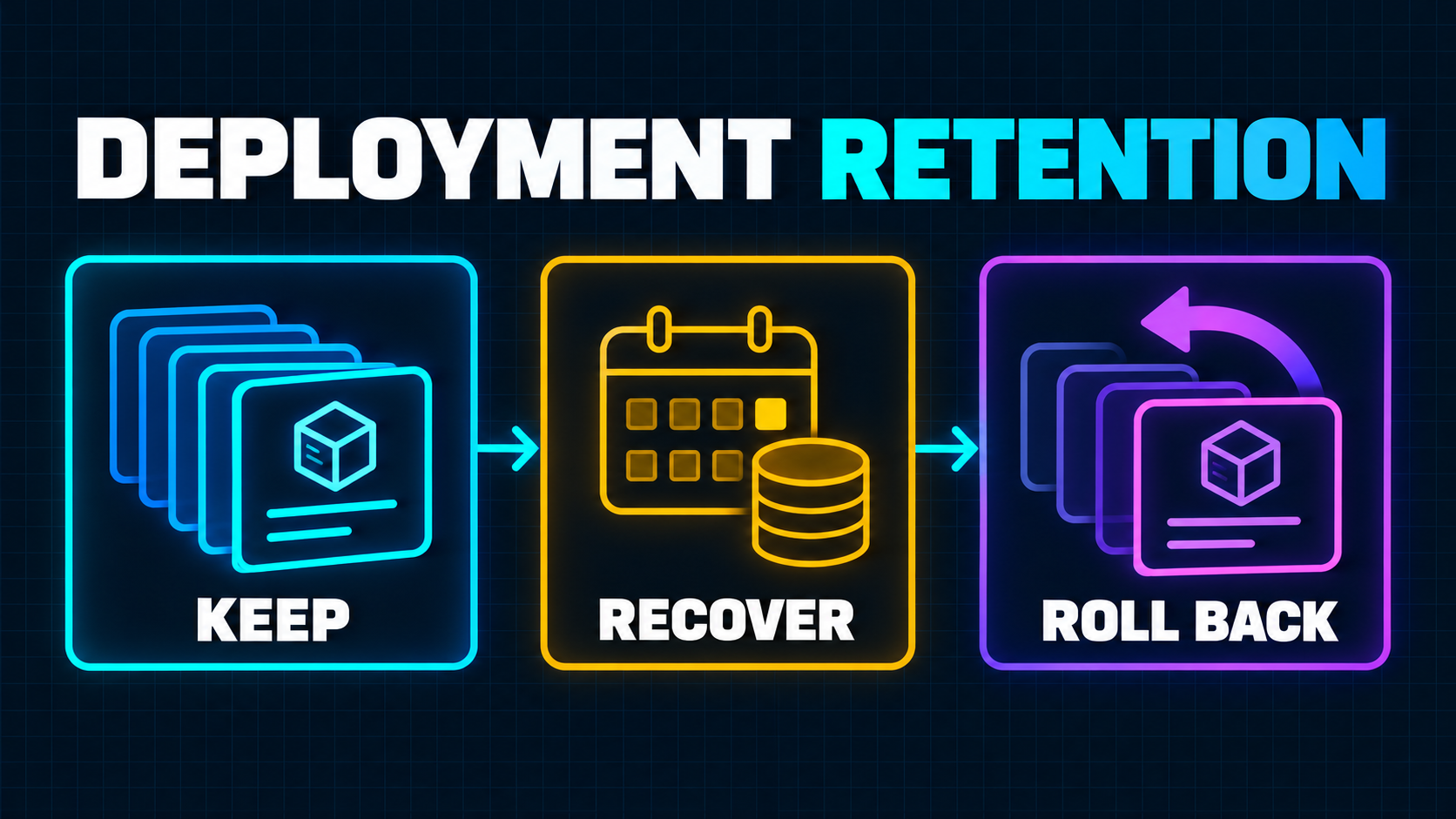
Deployment history is easy to treat as free insurance. Every preview gives a reviewer a stable URL. Every production release leaves behind a possible rollback target. Old builds help explain when a regression entered the system.
That assumption now needs an explicit budget and policy.
On October 9, 2026, Vercel announced that Deployment Storage and Functions Storage billing will expand to existing Pro teams at $0.10 per GB-month for each metric. The announcement also says retention will move to 30 days, with deployments older than 30 days beginning deletion on October 23 unless the team opts out before then. Teams should check their email for the billing date that applies to their account. Vercel's announcement is the source of truth for the rollout and deadline.
The wrong response is to keep everything forever without checking the bill. The other wrong response is to shorten every project to the minimum and discover during an incident that the last known-good build has disappeared.
A better Vercel deployment retention plan starts with the recovery window your SaaS actually needs, then removes output that should never have been packaged into every deployment.
What Vercel Is Charging For
Deployment Storage is not your application database or a replacement for object storage. It is the build output and static assets retained with deployments. Functions Storage covers the Function bundles stored in every region where those Functions run.
Vercel measures both in GB-months. Its documentation says it records each project's maximum stored amount for each billing day, then adds the daily amounts across the billing period. The same page identifies three drivers: how many deployments you retain, how large their output is, and how long you keep them. Vercel documents the storage model, usage view, and current Pro list price.
That means a busy repository can accumulate storage even when traffic is flat. A team that opens many pull requests, deploys several times a day, packages large static files, or produces large Function bundles creates more retained output with each successful build.
Do not estimate the bill from repository size. Start in the Vercel Usage page, inspect Deployment Storage and Functions Storage separately, and compare projects. A frontend-heavy marketing site may be dominated by static assets. An API-heavy application may have modest static output but much larger regional Function bundles.
Retention Is a Recovery Decision, Not Just a Cost Setting
An old deployment can serve at least four operational jobs:
- reproduce a bug against the exact released output;
- preserve a preview used for product, legal, or customer approval;
- promote a tested build without rebuilding it;
- restore production to a previously served version during an incident.
Deleting a deployment removes those options. Vercel explicitly warns that deletion prevents Instant Rollback to that deployment and can break generated URLs referenced by pull requests or integrations. The deployment management documentation describes those consequences.
But keeping a deployment does not guarantee a safe rollback.
A previous build may expect an older database schema, an external API that no longer exists, or environment variables that have since changed. Vercel's rollback documentation notes that a rollback restores a previous build without rebuilding it, does not update changed environment variables, and also restores the cron configuration from that deployment. Those rollback semantics matter more than the age of the artifact.
So the useful question is not “How many days can we afford?” It is:
How far back can we safely restore the application, given our database, configuration, integrations, and incident process?
That is your tested rollback horizon. Retention should be at least long enough to support it, but a longer setting does not extend it automatically.
Map the Rollback Horizon Before Changing the Policy
Start with release history, not a generic company-wide number.
For each production project, identify the oldest deployment you could restore today without creating a second incident. Check the following boundaries.
Database compatibility
Can the current database serve both the current build and a previous build? Additive migrations are usually easier to roll back across than destructive renames, dropped columns, or changed constraints.
If a release needs a destructive migration, write down the point after which an older deployment stops being safe. Retaining the artifact beyond that point may still help an audit, but it is no longer a one-click recovery target.
Environment and secret compatibility
Record which environment variable names, authentication keys, and provider settings a deployment expects. A deployment can remain available while its required secret has been rotated or removed.
Do not restore retired credentials merely to make an old deployment runnable. Prefer a forward-compatible configuration window or a controlled redeploy from the old commit with current secrets when that is safer.
External contract compatibility
List payment webhooks, OAuth callbacks, queues, scheduled jobs, storage formats, and third-party APIs that changed during the rollback window. A visually healthy rollback can still duplicate a job, reject a newer webhook shape, or write data in an older format.
This is where the same discipline used in a boring SaaS architecture pays off: fewer hidden contracts make recovery simpler.
Operational access
Confirm who can initiate a rollback, who approves it, and how the team verifies recovery. A retained deployment has little value if the incident commander cannot find the project, lacks permission, or does not know which release is safe.
Set Retention by Deployment State
Vercel lets teams configure separate periods for canceled, errored, pre-production, and production deployments. A team policy can define defaults, while a project policy can override them for one application.
That separation is useful because each state has a different job.
Canceled and errored deployments
Keep these long enough to debug recurring build failures and compare toolchain changes. They rarely need the same horizon as production because they were never valid rollback targets.
If failures contain useful logs but no unique output, your durable evidence may belong in CI logs or an observability system rather than in months of failed deployment artifacts.
Pre-production deployments
Match retention to the longest real review cycle. Include slow customer approvals, security review, release branches, and regression investigations—not only the median pull request.
Also check whether preview URLs appear in tickets, documentation, or automated tests. Shortening retention can turn those references into dead links.
Production deployments
Tie this period to the tested rollback horizon, release cadence, audit obligations, and the time it typically takes to discover a slow regression.
Vercel retains some recent and aliased deployments as policy exceptions, and successfully built deployments marked for deletion have a recovery period. Those protections are valuable, but they should not replace a deliberate policy. The retention documentation lists current defaults, exceptions, deletion timing, and restore behavior.
An old deployment in “Recently Deleted” is a recovery opportunity, not a primary incident plan. Restore delays, permissions, and the deployment's compatibility still need testing.
An Illustrative Policy Review
Consider a SaaS team with three Vercel projects:
- a production dashboard released several times per week;
- a documentation site deployed on every content change;
- an internal prototype with frequent preview deployments.
Illustrative: the team decides the dashboard needs a longer production history because incident detection can lag and releases sometimes include coordinated database changes. The documentation site needs only a short production history because content is versioned in Git and can be rebuilt safely. The prototype needs short preview retention because no customer or compliance process relies on its URLs.
Those are not benchmark durations. The point is that the risk differs by project and deployment state. Applying one team-wide minimum to everything saves administrative effort but can either waste storage or weaken the most important project's recovery path.
Use a team default for ordinary projects, then document every exception. An exception should name its owner, business reason, review date, and intended rollback or audit use.
Reduce Output Before Sacrificing Recovery
If production history is operationally valuable, reduce the size of each deployment before shortening the horizon.
Start with the largest projects shown in Usage. For each one, inspect representative deployments and answer:
- Are source archives, test fixtures, local reports, screenshots, or generated exports entering the build output?
- Are large media files copied into every deployment even though object storage would fit their lifecycle better?
- Does a broad file-tracing rule pull unnecessary packages or workspace directories into Functions?
- Are dependencies duplicated across several Function bundles?
- Does a monorepo build more applications or packages than the deployment needs?
Vercel recommends checking static output, moving application-managed large assets to Blob where appropriate, and reducing Function bundles after setting the needed retention periods. Its optimization guide also recommends comparing the same team, date range, projects, and metrics before and after a change. Follow that measurement workflow instead of guessing from one build.
Treat every optimization as a production change. Removing a file because it looks unused can break dynamic imports, templates, fonts, native modules, or runtime file access. Build a preview, exercise the affected paths, and compare Function behavior before shipping.
This is closely related to keeping CI work intentional. The techniques in the Turbopack build cache guide address repeated build work; storage optimization addresses what each completed deployment retains. They are different cost surfaces and should be measured separately.
Test Rollback as a Complete Recovery Flow
A dashboard setting is not a rollback plan. Run a rehearsal on a low-risk project or controlled environment.
Choose a known-good previous production deployment and record why it is compatible. Verify the target exists and is eligible. Confirm the operator has the required access. Then walk through the rollback decision without improvising database or secret changes.
Your runbook should include:
- the signals that justify rollback rather than a forward fix;
- the deployment ID or selection rule for the known-good target;
- database and external-contract checks;
- the exact owner and approval path;
- health checks for critical user journeys and background work;
- confirmation that logs, alerts, and scheduled jobs behave correctly;
- the steps to promote a fixed deployment and restore normal releases.
After a Vercel Instant Rollback, automatic assignment of new production domains is turned off until the rollback is undone by promoting another deployment. Put that detail in the runbook so a successful recovery does not become a confusing release blockage later.
For broader incident preparation, pair this exercise with minimum viable observability. A rollback only helps when the team can detect the problem and verify that service actually recovered.
Common Retention Mistakes
Optimizing the cheapest project first
The Usage page exists to identify where storage actually accumulates. Reducing a small site's retention may create process churn without changing the bill meaningfully.
Treating Git as a deployment archive
Git preserves source, not the exact build output, runtime packaging, framework behavior, or historical dependency resolution. Rebuilding an old commit can produce a different artifact.
Keeping previews that nobody can discover
Long retention has limited value when preview URLs are not attached to tickets, releases, or approval records. Decide which previews matter and record them in the workflow that created them.
Assuming every retained production build is safe
Artifact availability is not compatibility. Database migrations, secrets, third-party APIs, queues, and scheduled jobs define the real rollback boundary.
Shortening policy without notifying reviewers
Product, design, support, security, and customers may rely on old preview URLs. Retention changes are workflow changes, not merely infrastructure housekeeping.
A Seven-Step Vercel Deployment Retention Plan
- Confirm your rollout details. Read the team email and the October 9 announcement. Record the applicable billing date and whether the October 23 deletion change affects current settings.
- Measure both storage metrics. Capture Deployment Storage and Functions Storage by project for a consistent date range.
- Classify project criticality. Separate revenue-critical production apps, review-heavy sites, internal tools, experiments, and dormant projects.
- Define the tested rollback horizon. Review database, environment, external contracts, scheduled work, permissions, and release cadence.
- Set state-specific policies. Choose periods for canceled, errored, pre-production, and production deployments. Use project overrides only with a named reason and owner.
- Reduce oversized output. Remove accidental build artifacts, move application data to suitable storage, and trim Function bundles without breaking runtime behavior.
- Rehearse and review. Test rollback, verification, and recovery from rollback. Recheck usage and policy exceptions after the change has had time to take effect.
When a Focused Internal Review Is Enough
A small team can usually handle this internally when it has only a few projects, understands its deployment output, uses backward-compatible migrations, and already tests rollback. One engineer can inventory usage and propose policy; another person should review the recovery assumptions before the settings change.
Get deeper help when a monorepo produces unexpectedly large output, Function bundles are difficult to explain, preview URLs are part of regulated approvals, database changes make older builds risky, or nobody is confident that rollback would restore the full service.
The goal is not the smallest possible storage number. It is a defensible balance between cost, investigation history, and recovery readiness.
Related Reading
- Minimum Viable Observability: What Your SaaS Needs Before It Scales
- Your Next.js CI Is Rebuilding Everything: A Turbopack Cache Guide
- Why I Prefer Boring Architecture for SaaS
Next Step
Before changing retention, prepare a project-by-project usage snapshot, the intended rollback horizon, recent migration history, and one known-good recovery target. That evidence turns a billing reaction into a production decision.
If your deployments are large, the rollback boundary is unclear, or previous releases cannot safely run against current data, a production readiness upgrade can map the risk, reduce unnecessary output, and leave the team with a tested retention and recovery plan.
Working on a SaaS that's starting to feel fragile?
Talk to an engineer about the parts that break first — without rewriting what already works. We'll recommend focused support or a compact team based on your scope.
Talk to an Engineer