
React 19.3 for SaaS: What to Adopt, Test, and Defer
React 19.3 is a useful frontend release, but not because every SaaS dashboard suddenly needs more animation.
The release makes View Transitions and Fragment Refs stable. It also adds browser-only rendering control, Trusted Types support, direct Context rendering from Server Components and a long list of fixes. The official React 19.3 announcement confirms that the release became available on September 9, 2026.
For a product team, the practical opportunity is narrower: make important state changes easier to follow, remove a few awkward DOM wrappers, and take a safer framework upgrade. The risk is treating a new visual API as permission to animate the whole application.
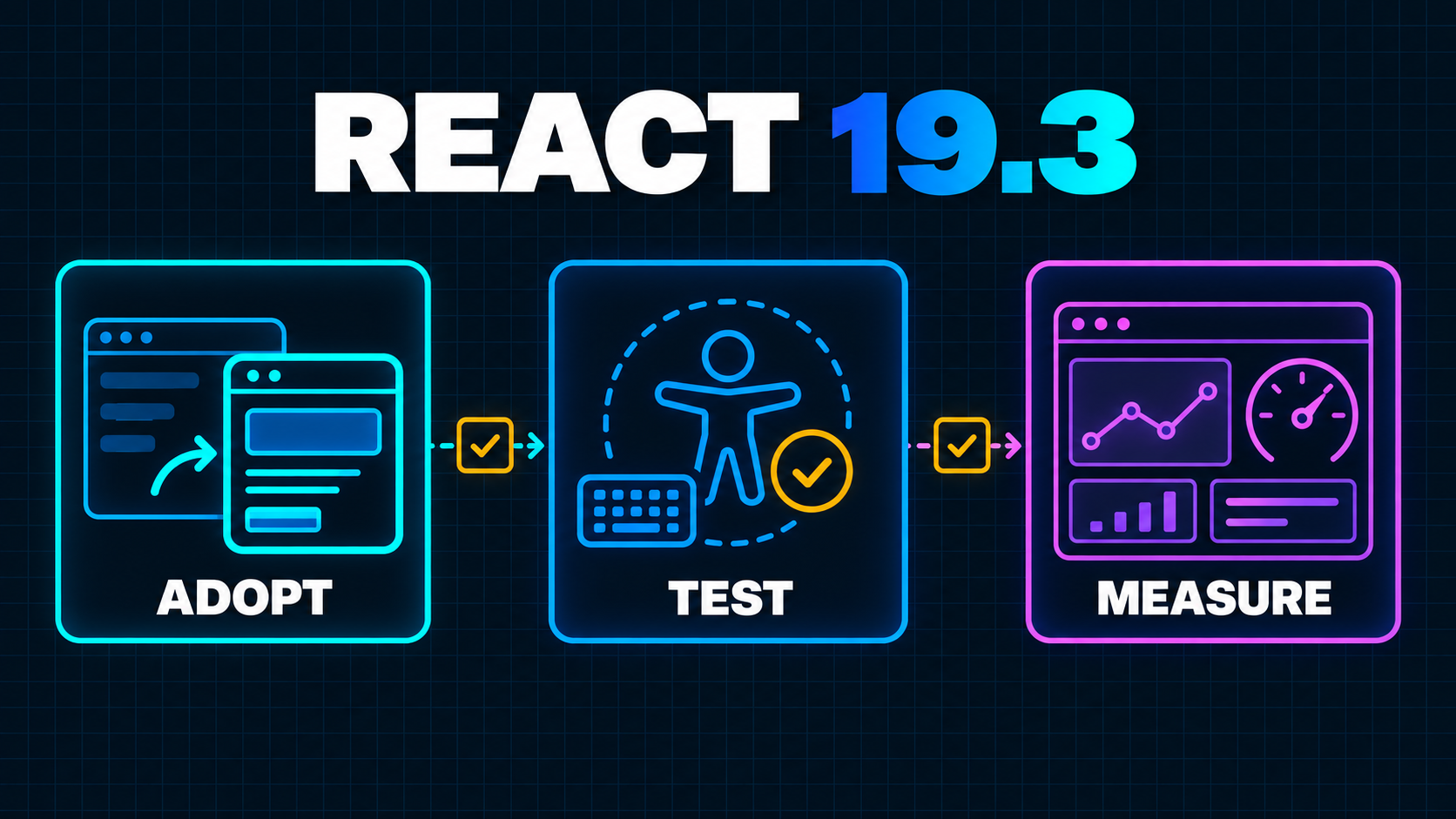
This guide separates what is worth adopting now, what needs a controlled experiment and what can wait.
Start With the Product Problem, Not the New API
A SaaS interface has many transitions, but only some of them benefit from motion.
Opening an invoice from a dense table may benefit from a shared visual connection between the selected row and the detail panel. Replacing a report skeleton with the completed chart may benefit from a restrained cross-fade. Saving a billing setting, deleting a workspace or showing a validation error should usually update immediately and clearly.
That distinction is built into React 19.3. A normal urgent state update does not activate a <ViewTransition>. Updates started with startTransition, Suspense reveals and useDeferredValue can activate one. React supports enter, exit, update and shared-element cases, but the new component is still a coordination tool—not a substitute for interaction design.
Before adding code, write the user outcome in one sentence:
When a user opens an invoice, preserve visual context between the selected row
and the detail heading without delaying the invoice controls.
If the team cannot describe what the motion explains, it is decoration. Defer it.
Adopt View Transitions at One Meaningful Boundary
React's <ViewTransition> wraps the part of the component tree that should participate in an animation. The browser works with snapshots of the old and new states, while React coordinates the transition with its own update model.
A small disclosure panel is a safer first experiment than an entire route:
import { startTransition, useState, ViewTransition } from "react";

export function InvoiceDetails() {
  const [open, setOpen] = useState(false);

  return (
    <section>
      <button
        aria-expanded={open}
        onClick={() => {
          startTransition(() => setOpen((value) => !value));
        }}
      >
        {open ? "Hide details" : "Show details"}
      </button>

      {open && (
        <ViewTransition enter="invoice-motion" exit="invoice-motion">
          <InvoiceBreakdown />
        </ViewTransition>
      )}
    </section>
  );
}
Keep the button outside the animated boundary. Its label and expanded state are urgent feedback. The detail region can transition without making the control feel slow.
React's <ViewTransition> reference documents two constraints that matter in production. Ordinary setState does not activate the animation, and a custom name should be reserved for shared-element transitions. React generates unique names for ordinary boundaries, which avoids collisions.
If you do use shared names in a table or board, include a stable record identifier:
<ViewTransition name={`invoice-${invoice.id}`}>
  <InvoiceSummary invoice={invoice} />
</ViewTransition>
Two mounted boundaries with the same name can make the transition fail. Indexes and non-unique display labels are poor identifiers, especially when a filtered list can reorder.
Do Not Animate Away Loading Problems
View Transitions integrate with Suspense, which makes them tempting around every loading boundary. Use that combination sparingly.
React can show a fallback first and animate the reveal when the content is ready. It can also wait for resources inside the boundary: the documentation notes that a View Transition may wait up to 500 milliseconds for a new font, and wrapped images can delay the transition until they load.
That coordination can remove a jarring flash. It can also make a slow data path look polished while remaining slow.
For a SaaS report, keep three timings separate:
- Click to immediate feedback
- Click to useful content
- Click to usable controls
An animation should improve continuity between those moments, not move the measurement boundary. Pair the rollout with the route-level evidence described in Soft Navigation Core Web Vitals, and keep product timings for the workflow itself.
If an expensive report takes three seconds to resolve, profile its data and rendering path. The broader audit in Why Your Next.js App Feels Slow After Launch remains more important than transition CSS.
Reduced Motion Is a Release Requirement
React does not automatically disable View Transitions when a user prefers reduced motion. The official docs explicitly recommend a prefers-reduced-motion media query.
Treat that as acceptance criteria, not polish:
::view-transition-old(.invoice-motion),
::view-transition-new(.invoice-motion) {
  animation-duration: 180ms;
}

@media (prefers-reduced-motion: reduce) {
  ::view-transition-old(.invoice-motion),
  ::view-transition-new(.invoice-motion) {
    animation: none;
  }
}
Also test focus, announcements and input state. A visual connection does not tell a screen-reader user that a region changed. Keep semantic headings, live-region decisions and focus management independent from animation.
Avoid long zooms, large parallax movement and sequences that must finish before a user can act. The safest default for business software is short, local and interruptible.
Fragment Refs Solve a Different Problem
Fragment Refs are less visible, but they may produce the cleaner engineering win.
Before React 19.3, a component that rendered several siblings often needed a wrapper element just to receive a ref. That wrapper could alter grid or flex layout, break selectors or add invalid structure. A Fragment can now receive a ref and expose a FragmentInstance across its underlying DOM children.
The official Fragment reference lists methods for focus, event handling, observation, measurement and scrolling. For example, a composite form section can focus its first available field without adding a layout wrapper:
import { Fragment, useRef } from "react";

export function BillingFields({ children }) {
  const fieldsRef = useRef(null);

  return (
    <>
      <button onClick={() => fieldsRef.current?.focus()}>
        Review billing fields
      </button>
      <Fragment ref={fieldsRef}>{children}</Fragment>
    </>
  );
}
This is useful for grouped fields, toolbar commands, multi-node cards and visibility tracking. observeUsing can attach an IntersectionObserver or ResizeObserver to the Fragment's first-level DOM children without forcing each child component to forward a ref.
The boundary still needs care. Observer and measurement methods target first-level host children, while focus() and focusLast() search nested children. Text-only Fragments cannot be observed. Cleanup remains your responsibility when attaching observers or listeners.
Use Fragment Refs when the DOM structure is already correct and you need behavior across a group. Do not use them to hide an unclear component boundary or replace ordinary declarative props.
Treat browser() and Trusted Types as Targeted Tools
React 19.3 adds browser() for components that should suspend during server rendering and continue in the browser. A reasonable use is a client-only value such as the local time zone when the server has no safe default. It is not a general escape hatch for components that fail during server rendering.
First ask whether the server can provide a stable initial value. If it can, render that value and avoid a client-only hole. If it cannot, put a precise Suspense fallback around the smallest region and test hydration, layout shift and failure behavior.
Trusted Types support is similarly focused. React now preserves Trusted Types objects instead of coercing them into strings before they reach browser injection sinks. That allows an application enforcing require-trusted-types-for 'script' to use its sanitization policies as intended.
This does not sanitize unsafe HTML for you. It makes React compatible with the browser control. Teams using dangerouslySetInnerHTML, rich-text rendering or third-party scripts still need a deliberate content policy and staged Content Security Policy rollout.
Upgrade the Framework Combination, Not One Package in Isolation
The riskiest React upgrade is a version bump detached from the framework, renderer, test tools and component libraries around it.
React and React DOM should move together. Run the production build, server rendering tests, hydration paths, forms, Suspense boundaries and development Strict Mode. Pay attention to effect cleanup and browser-only assumptions; React 19.3 includes behavior changes and fixes beyond the headline APIs.
For Next.js teams, check the framework's supported React combination before forcing a package version. The Next.js documentation on React version handling explains that the App Router uses React canary releases built into Next.js, while the Pages Router follows the versions declared in package.json. That makes the Next.js release and router choice part of the upgrade decision.
Do not use --force to silence peer-dependency warnings in a production migration without understanding them. Upgrade on a branch, inspect the resolved lockfile, and confirm that the framework, React DOM, test renderer, component library and type packages agree.
Test the Failure Modes Users Will Actually See
A successful build proves that the dependency graph can compile. It does not prove that a long-lived SaaS session still behaves correctly after the upgrade.
Test navigation sequences rather than isolated screenshots. Open a record, edit it, return to the list, change a filter and open a different record. Confirm that shared transition names follow the correct identity and that an old snapshot never makes one tenant, invoice or customer appear connected to another.
Exercise interrupted transitions too. Click an item, navigate back before its content resolves, then choose another item. Trigger a slow request and an error response. Resize the viewport during a transition. React should preserve correct state even when the animation is cancelled, skipped or superseded by a newer update.
Forms deserve their own pass. Check pending buttons, inline validation, server-action errors, focus restoration and unsaved input. Motion must not hide a validation message, move focus to an unexpected control or make a submitted value appear confirmed before the server response arrives.
Finally, test the application with motion disabled and with the browser API unavailable. The product should remain understandable because the semantic state change is the feature; the animation is only an enhancement. A user should still see the selected record, loading state, success message and error path in the correct order.
For each critical journey, capture a compact matrix:
| Scenario | Correctness check | Experience check | |---|---|---| | Fast response | Correct record and permissions | No unnecessary delay | | Slow response | Honest fallback, no stale data | Immediate feedback remains visible | | Failed response | Error belongs to the attempted action | Focus reaches recovery action | | Interrupted navigation | Latest destination wins | No stuck snapshot or overlay | | Reduced motion | Same information and controls | No essential meaning depends on motion |
This matrix is small enough to run manually during the pilot and concrete enough to automate for the workflow if the pattern expands.
A Seven-Step React 19.3 Rollout
- Inventory the current combination. Record React, React DOM, framework, router, TypeScript and major UI-library versions. Note any canary or experimental packages.
- Read the framework release guidance. Confirm that your router and deployment mode support the React version you intend to run. Keep framework and renderer upgrades together when recommended.
- Build before adding features. Upgrade dependencies, run the production build and test hydration, forms, Suspense, error boundaries and critical routes without introducing View Transitions yet.
- Choose one transition. Pick a reversible, high-frequency interaction where motion explains a relationship. Avoid authentication, destructive actions and payment submission as the first experiment.
- Add accessibility constraints. Implement reduced-motion CSS, preserve immediate control feedback, and test keyboard focus plus screen-reader behavior.
- Measure the journey. Compare useful-content timing, interaction responsiveness, errors and completion rate before and after. A smoother screenshot is not evidence of a better workflow.
- Expand or remove. Keep the pattern only if it improves comprehension without delaying work. Document shared-name conventions and boundary placement before applying it elsewhere.
What I Would Adopt Now
I would take the React 19.3 upgrade when the surrounding framework supports it, because the release includes valuable fixes even if the product uses none of the new APIs.
I would pilot one View Transition around a meaningful local state change, with reduced motion and performance measurement included in the same change. I would adopt Fragment Refs where they remove a layout-breaking wrapper or simplify focus and observation across a genuine group.
I would defer site-wide route animation, complex shared-element choreography and broad browser() usage. Those create more surface area than product value until a team has proven the smaller patterns.
React 19.3 gives SaaS teams better coordination primitives. The mature use of them is not “animate more.” It is to make state changes legible, keep the DOM honest and preserve immediate, accessible interaction.
If an upgrade exposes slow routes, hydration problems or unclear client boundaries, a focused Next.js performance review can separate framework work from data, rendering and product-flow issues before the migration grows into a rewrite.
Working on a SaaS that's starting to feel fragile?
Talk to an engineer about the parts that break first — without rewriting what already works. We'll recommend focused support or a compact team based on your scope.
Talk to an Engineer