
Two Critical Next.js RCEs: A Self-Hosting Exposure Audit
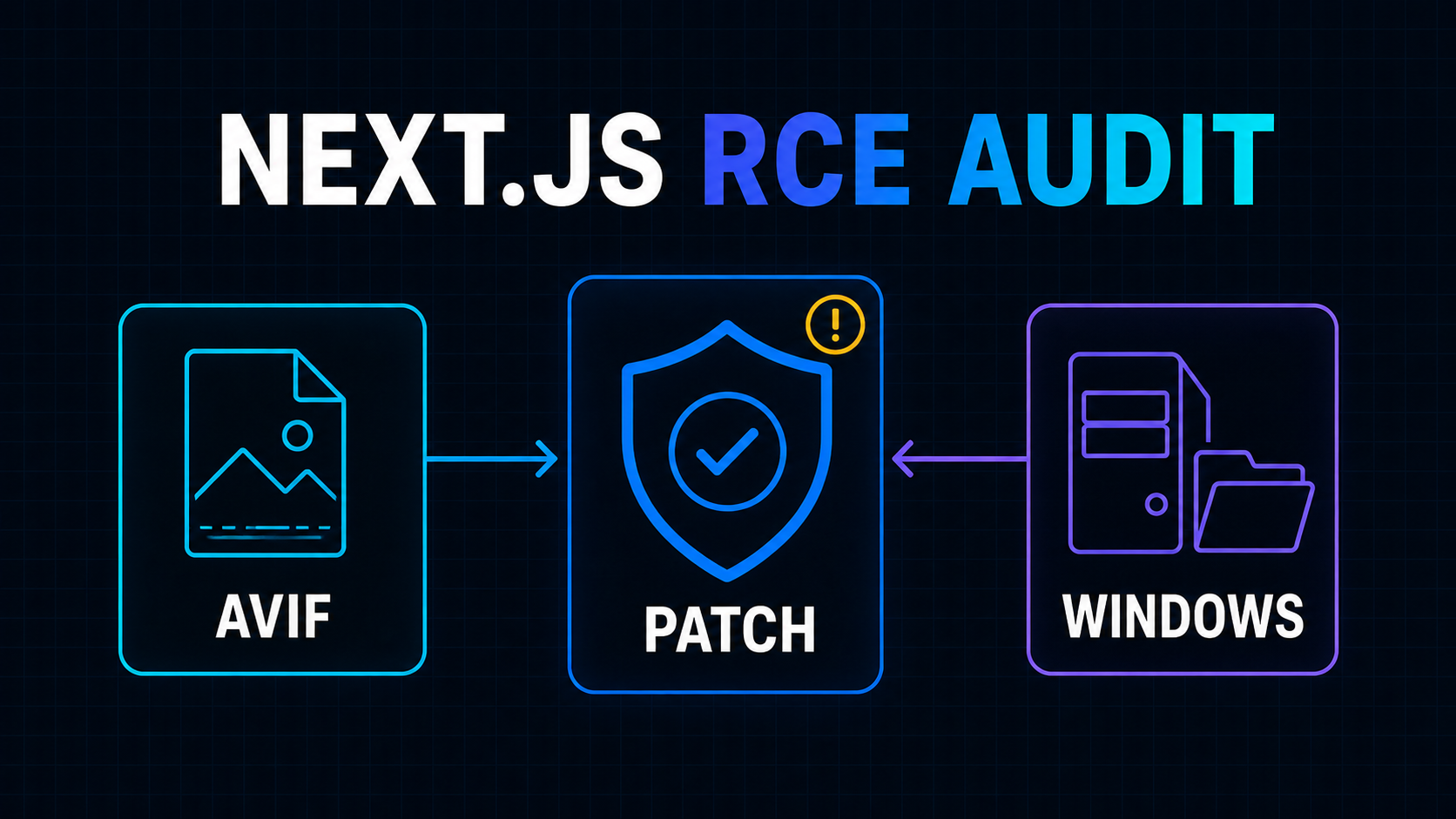
Next.js released 16.3.3 and 15.5.24 on August 25, 2026, to address two critical vulnerabilities that can lead to unauthenticated remote code execution.
This is not a routine dependency update. Remote code execution means a successful attacker may be able to run code inside the server process without first signing in. For a SaaS product, that process may have access to runtime secrets, internal services, customer data, queues, or deployment credentials.
The exposure is also not uniform. One issue sits in the AVIF image-processing path. The other affects a specific Windows-hosted router configuration. Managed platforms may replace or isolate parts of the affected runtime, while a self-hosted container, VM, or Windows server may execute the vulnerable code directly.
The official August 2026 security release recommends upgrading to Next.js 16.3.3 or 15.5.24. The practical job is to patch every deployed application, then verify which vulnerable paths were actually reachable so the team can make an informed incident decision.
What the August Release Changed
The release covers two separate problems:
| Vulnerability | Primary condition | Patched versions | |---|---|---| | AVIF Image Optimization RCE | The Next.js Image Optimization API processes a crafted AVIF input | 15.5.24 and 16.3.3 | | Windows-hosted server RCE | Next.js runs on a Windows filesystem with the affected router configuration | 15.5.24 and 16.3.3 |
Treat those as two exposure investigations, not one generic “Next.js is vulnerable” label.
An application can be exposed to the image issue on Linux without being exposed to the Windows issue. A Windows-hosted application can have the router condition even if the product never accepts customer images. A deployment platform can also put its own image service or Linux runtime between public traffic and the relevant Next.js code.
None of those distinctions changes the first action: upgrade. They change what the team should inspect before closing the security ticket.
Exposure Path One: AVIF Reaches the Image Optimizer
The first advisory is GHSA-2xp9-vwfh-vxw4, scored 9.5 under CVSS v4. It says a vulnerability in libheif, used through sharp for Next.js image optimization, can lead to remote code execution when AVIF files are optimized. Next.js 15.5.24 and 16.3.3 disable AVIF optimization while the upstream fix propagates.
The upstream libheif advisory describes a crafted HEIC, HEIF, or AVIF file causing a heap buffer overflow during image scaling. The technical detail matters because this is a native decoder boundary, not a React rendering bug. Sanitizing HTML, adding authentication middleware, or validating a database record does not patch the vulnerable decoder.
The key audit question is therefore:
Can an attacker influence an AVIF file that the Next.js server sends through its built-in optimizer?
Check more than explicit file-upload forms. Inputs can arrive through:
- profile photos, workspace icons, product images, and attachments;
- remote image URLs stored in customer-controlled records;
- imports from feeds, CMS entries, marketplaces, or partner APIs;
- public image proxy endpoints built around
/_next/image; - preview tools that render an arbitrary URL supplied by a user;
- old deployments whose remote-image allowlist is broader than the current application.
Next.js documents localPatterns and remotePatterns as allowlists for optimized image sources. Its current Image component guidance also warns that omitted search constraints can allow URLs the application did not intend and that local-network image access should remain disabled for most deployments.
Those controls reduce the reachable input surface, but they are not a substitute for the patched framework. A trusted hostname may still host tenant-controlled files. A compromised upstream image store may serve different bytes later. A local image path may contain a file created by another application workflow.
Inventory the actual image path
Search the application and deployment configuration for:
next/image
/_next/image
images.formats
images.remotePatterns
images.localPatterns
images.loader
images.unoptimized
dangerouslyAllowLocalIP
Then trace each dynamic source back to its owner. “Images come from our CDN” is incomplete if customers can upload objects to that CDN. Record whether the source is fixed at build time, controlled by an administrator, supplied by a tenant, or accepted from an unauthenticated request.
Also identify who performs optimization in production. A custom loader or hosting-provider image CDN may bypass the built-in Next.js optimizer. A self-hosted next start deployment normally keeps image optimization in the application runtime. Static export with a separate image service has a different boundary again.
Do not infer that boundary from the JSX alone. Confirm it with production routing and a real request.
Exposure Path Two: Next.js Runs on Windows
The second advisory, CVE-2026-75604 / GHSA-p293-qw3h-jr36, is scored 9.0 under CVSS v3.1. It affects Windows-hosted Next.js servers using the vulnerable Pages Router and App Router configuration without Cache Components. The advisory lists no known workaround and tells affected Windows deployments to upgrade immediately.
This is a narrower condition, but teams should verify the production filesystem rather than relying on a developer’s laptop or a provider name.
Record the runtime for every environment that can receive real traffic:
node -p "process.platform"
npm ls next
win32 identifies a Windows Node.js runtime. In containers, confirm the container base image and the host path behavior used by the running workload. In serverless or edge deployments, use the provider’s documentation because a local development environment does not reveal the production operating system.
Next, check whether both router trees exist:
app/
pages/
src/app/
src/pages/
Do not delete one of those directories as an emergency guess. A hybrid application may depend on both, and the official advisory says there is no known workaround for an affected Windows-hosted server. Upgrade first; simplify the router architecture later through a normal migration.
Windows may also appear outside the primary web tier. Look for customer-managed installations, on-premise deployments, internal admin tools, desktop-adjacent Node.js services, preview servers, and older IIS reverse-proxy setups. An inventory that lists only the public SaaS URL can miss the deployment most likely to use Windows.
Hosting Provider Protection Is Context, Not Closure
Some managed platforms replace affected framework paths. For example, Netlify says its functions run on Linux and its edge rewrites /_next/image to Netlify Image CDN, so its hosted sites do not execute either affected path. Even so, Netlify still recommends upgrading and redeploying.
That is the right model for any provider mitigation:
- Read the provider statement for the exact vulnerability.
- Confirm the project actually uses the protected runtime and adapter.
- Upgrade the framework anyway.
- Redeploy every production and preview environment.
- Preserve the provider statement in the security record.
“Hosted on a managed platform” is not evidence by itself. A product may use a custom Next.js server, bypass the provider image service, run a worker elsewhere, or keep a self-hosted enterprise edition. Provider protections are deployment-specific facts, not properties of the Git repository.
Patch Without Turning Urgency Into Guesswork
The July release gave teams a chance to rehearse the mechanics in advance. The July Next.js security preparation guide remains useful for inventory, staging, ownership, and rollback. This release adds the disclosed exposure paths and a concrete patch target.
1. Capture the deployed baseline
For each live application, record:
- repository and deployment identifier;
- resolved
nextversion from the lockfile and runtime artifact; - production operating system;
- hosting provider or self-hosted topology;
- built-in, custom, or provider-managed image optimization;
- use of AVIF inputs or AVIF output configuration;
- presence of App Router, Pages Router, or both;
- owner and patch status.
Check the built artifact, not only package.json. A semver range may resolve differently across lockfiles, and a source change has no effect until the patched build is deployed.
2. Upgrade on the current supported line
Use the patched line appropriate for the application:
npm install next@16.3.3
# or, for the Maintenance LTS line
npm install next@15.5.24
Use the repository’s package manager and commit only the intended manifest and lockfile changes in the eventual patch. Do not combine the emergency upgrade with a router migration, design-system update, or dependency cleanup. A small patch is easier to review, test, deploy, and roll back.
3. Test the paths that can regress
At minimum, verify:
- the production build completes;
- local and remote images render;
- image uploads and imported media still work;
- allowed and blocked remote image URLs behave correctly;
- AVIF requests return a safe usable response after optimization is disabled;
- App Router and Pages Router routes both render when the project is hybrid;
- authentication, middleware, API routes, and static assets still work;
- error rates, image latency, and memory remain normal after deployment.
The patched release temporarily disabling AVIF optimization may change the format served or the work delegated to another layer. That is safer than retaining the vulnerable decoder path, but it deserves a targeted image regression test.
If the application already struggles with image latency or cache behavior, keep the security patch separate and schedule performance work through a deliberate Next.js performance review afterward.
4. Deploy a new artifact everywhere
Restarting an old container does not apply the patch. Purging a CDN does not replace the server package. Merging a dependency update does not protect forgotten previews or regional replicas.
Deploy the patched artifact to:
- production regions;
- background or image-processing services that bundle Next.js;
- staging environments with sensitive integrations;
- long-lived preview deployments;
- customer-managed or on-premise editions;
- internal tools reachable from untrusted networks.
Then query each environment for its deployment or version marker. The closure condition is “the patched artifact is serving traffic,” not “the pull request merged.”
Decide Whether You Need an Incident Review
Patching removes future exposure. It does not answer whether a vulnerable path was reachable before the patch.
Escalate from a patch ticket to an incident review when any of these are true:
- unauthenticated users could cause remote AVIF files to be optimized;
- customers or integrations could upload AVIF, HEIF, or HEIC content;
/_next/imageshows unusual source URLs, repeated failures, or traffic spikes;- a public Next.js server ran on Windows with the advisory’s router condition;
- the application process had broad access to secrets or internal networks;
- the team cannot reconstruct image requests or deployed versions for the exposure window.
Preserve image optimizer access logs, application errors, process crashes, deployment events, and relevant host telemetry before normal retention removes them. Look for anomalies, but do not claim compromise from ordinary decoder errors alone.
If observability cannot connect a suspicious request to a release and runtime, the gaps are worth fixing after containment. The minimum viable observability blueprint explains how to create that evidence without collecting every possible event.
A 24-Hour Action Checklist
- [ ] Find every deployed Next.js application, including previews and internal tools.
- [ ] Record the resolved framework version in each running artifact.
- [ ] Upgrade to 16.3.3 or 15.5.24 and rebuild.
- [ ] Confirm whether production uses Windows anywhere.
- [ ] Identify App Router, Pages Router, and hybrid deployments.
- [ ] Map built-in, provider, and custom image optimization paths.
- [ ] Find every customer-controlled or remote AVIF source.
- [ ] Test image rendering, uploads, routing, authentication, and the production build.
- [ ] Deploy the new artifact to every traffic-serving environment.
- [ ] Verify the patched version after deployment.
- [ ] Preserve relevant logs when an affected path was publicly reachable.
- [ ] Document provider mitigations separately from framework patch status.
Patch First, Then Improve the Boundary
The immediate decision is straightforward: move supported Next.js applications to 16.3.3 or 15.5.24 and redeploy.
The more valuable follow-up is to understand why the application was or was not exposed. Image optimization is executable server-side processing of complex, potentially untrusted files. A hosting platform can replace that boundary. A Windows runtime can introduce a platform-specific path. Old previews and secondary applications can quietly preserve both.
A production-ready SaaS team should be able to answer four questions quickly: which version is serving, what operating system runs it, who processes untrusted images, and which deployments remain public. If those answers require a day of archaeology, the patch is also a useful prompt for a broader production readiness review.
Working on a SaaS that's starting to feel fragile?
Talk to an engineer about the parts that break first — without rewriting what already works. We'll recommend focused support or a compact team based on your scope.
Talk to an Engineer