
Passkeys for SaaS: A Rollout Plan That Preserves Recovery
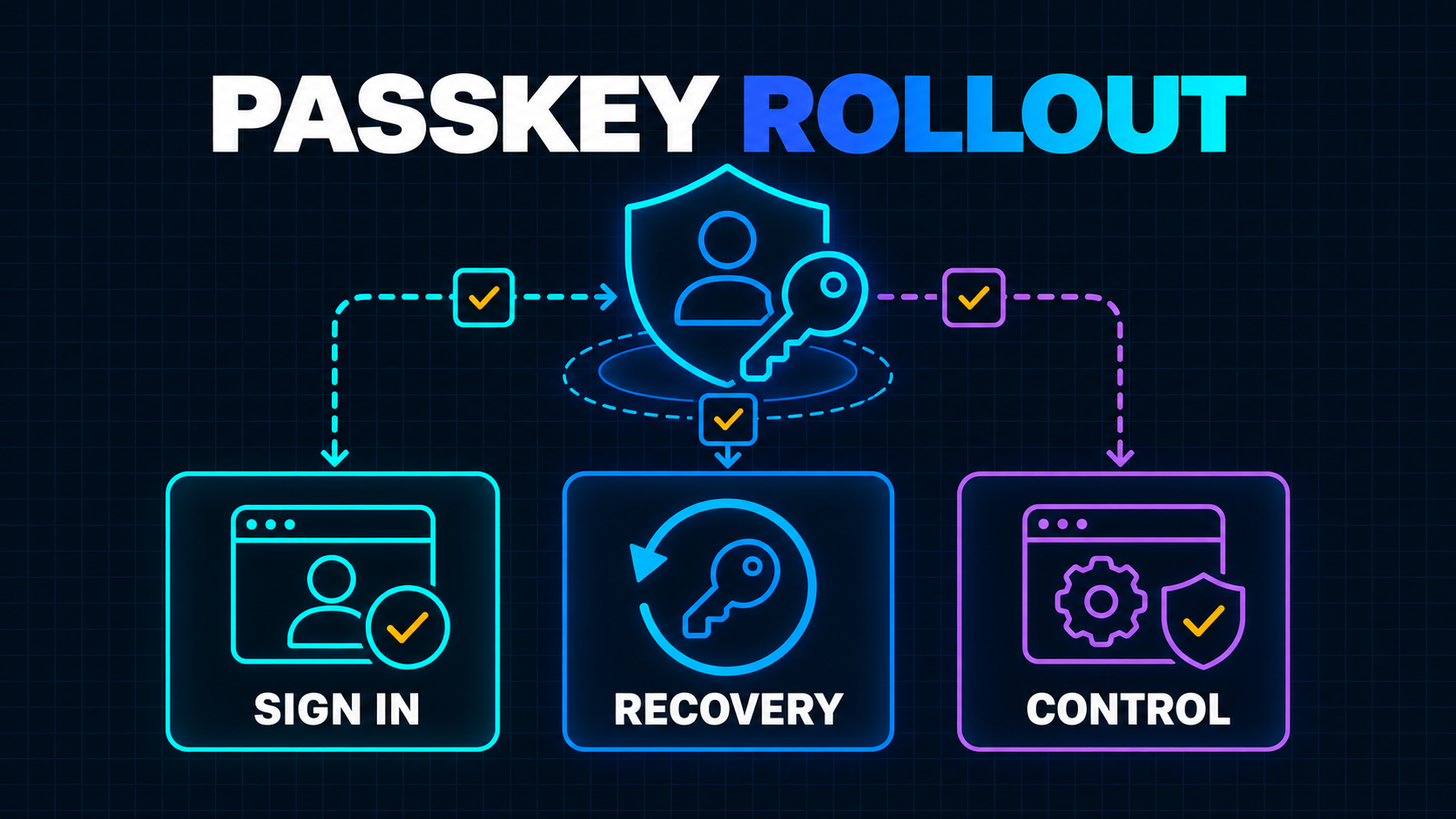
Passkeys are mature enough to deserve a place in a SaaS authentication roadmap. They are not mature enough to justify deleting every other sign-in path next sprint.
That distinction matters. The browser ceremony is the visible part of a passkey project, but it is rarely the risky part. The harder work sits around it: attaching credentials to the correct account, supporting existing customers, handling lost devices, protecting recovery, working across domains and making sure support cannot be socially engineered into bypassing the stronger login.
The Web Authentication Level 3 specification reached Candidate Recommendation status on May 26, 2026. It formalizes capabilities such as conditional creation and authentication, hybrid transport and client capability discovery. The W3C WebAuthn Level 3 specification is a useful signal that the platform keeps improving, but a standards milestone is not a rollout strategy.
For most SaaS teams, the right move is progressive adoption: add passkeys beside the existing sign-in flow, learn where users succeed or abandon, strengthen recovery and only then consider making passwords optional for suitable accounts.
Start With the Security Property, Not the Biometric
A passkey is a WebAuthn public-key credential. The user's authenticator creates a key pair for your relying party. Your server stores the public key; the private key remains protected by the user's device, security key or credential provider.
During sign-in, your server sends a fresh challenge. The authenticator signs it after the user completes a local verification step such as a device PIN, fingerprint or face check. Your server verifies the signature, challenge, origin and relying-party context.
Your application does not receive the biometric. That is an important product and privacy distinction. Face or fingerprint recognition usually unlocks the authenticator locally; it is not identity data that your SaaS should collect or store.
The primary benefit is phishing resistance. NIST explains that WebAuthn provides verifier-name binding: the credential is bound to the authenticated domain, so an impostor site cannot simply capture and replay the result. NIST also makes clear that manually entered OTP codes are not phishing-resistant because an attacker can relay them. See the NIST SP 800-63B phishing-resistance guidance for the precise distinction.
This does not make an account invulnerable. A weak recovery path, a compromised session, malicious account linking or an overpowered support workflow can still defeat strong primary authentication.
Decide What Passkeys Are Replacing
“Add passkeys” is incomplete scope. Decide which job they perform for each user type.
For a consumer-style SaaS account, a passkey may gradually replace the password and SMS or authenticator-app challenge used at sign-in. For a business workspace, it may act as phishing-resistant MFA while the company still controls identity through SAML or OpenID Connect. For an administrator changing payout details, it may be a step-up authenticator even when the original session began through another method.
Use a simple matrix before choosing a library or authentication vendor:
| User and action | Current method | Passkey role | Required fallback | | --- | --- | --- | --- | | Existing member sign-in | Password, social or SSO | Optional primary sign-in | Existing verified method | | New self-serve account | Email verification | Account credential after verification | Verified recovery method | | Enterprise employee | Company IdP | Optional step-up if policy permits | IdP and administrator policy | | Billing or security change | Active session plus reauthentication | Phishing-resistant step-up | Delayed, reviewed recovery | | Workspace owner recovery | Support-assisted process | Evidence, not sole recovery path | Multi-signal ownership review |
This prevents two common architecture errors: forcing passkeys into an enterprise flow the customer expects to control, and treating a convenient sign-in credential as proof for every sensitive action.
Authentication also does not replace authorization. After a valid passkey sign-in, the application still needs to determine the user, tenant, role and permitted resource. The boundary described in the SaaS tenant-isolation blueprint remains unchanged.
Design the Credential Model Before the Button
A SaaS account should support multiple passkey credentials. A customer may have a phone, laptop, security key and password-manager credential. Storing one passkeyId column on the user table creates unnecessary lockouts and awkward replacement logic.
Use a separate credential record with fields such as:
credential_id        unique WebAuthn credential identifier
user_id              internal account owner
public_key            verified credential public key
sign_count            counter when supplied by the authenticator
transports            optional transport hints
backed_up              backup-state signal when available
display_label          user-editable device or provider label
created_at             registration time
last_used_at           successful use time
revoked_at             server-side revocation time
Keep this record tenant-neutral if a person can belong to several workspaces. Authenticate the person first, then derive memberships and authorization from server-side data. Duplicating the same identity credential per tenant complicates revocation and invites account-linking bugs.
Registration and authentication need short-lived, single-use server challenges. Bind each ceremony to the expected purpose and session. Verify the relying-party ID, expected origin, challenge, credential type, signature and user-verification policy on the server. Do not accept client-decoded fields as proof merely because the browser returned a structured object.
WebAuthn Level 3 defines toJSON() helpers for turning credentials into JSON-compatible values, but easier serialization does not relax verification. It only removes some ArrayBuffer-to-base64url plumbing.
Choose the Relying-Party Boundary Carefully
The relying-party ID determines where a credential can be used. It is normally the application's domain or a registrable parent domain. This becomes an architectural decision for SaaS products with regional hosts, white-labelled portals or customer custom domains.
A passkey created for app.example.com can be designed around example.com, but it cannot silently authenticate an unrelated custom domain such as portal.customer.com. Native apps also need an explicit association between the application and the web domain.
Before implementation, map every sign-in surface:
- the canonical web application;
- marketing-site sign-in links;
- regional application domains;
- preview and staging environments;
- native applications and web views;
- customer-owned custom domains;
- administrator or support consoles.
Prefer one canonical authentication origin when the product allows it. Redirect custom-domain users to that origin, complete authentication there and return with a tightly scoped, one-time authorization result. Do not broaden the relying-party boundary merely to avoid a redirect.
Staging should use a separate credential namespace and origin. A production passkey should not be accepted by a preview deployment, and developers should not need production credentials to exercise the ceremony.
Migrate Through the Existing Sign-In Form
The safest rollout does not ask users to choose “password or passkey?” before they understand either option.
Conditional WebAuthn UI allows passkeys to appear in the familiar username autofill menu. The page starts a conditional navigator.credentials.get() request, and the browser waits until the user interacts with a field annotated for WebAuthn. Password users can continue normally while eligible passkey users see their credential as an autofill option. Google's form-autofill implementation guide documents the required capability check, mediation: "conditional", empty allowCredentials list and autocomplete="username webauthn" annotation.
A measured migration can use four stages:
- Employee and test cohort. Validate browsers, mobile devices, password managers, security keys, cross-device sign-in and support diagnostics.
- Opt-in enrollment. Offer passkey creation in security settings and after a successful high-confidence sign-in.
- Integrated sign-in. Surface passkeys through conditional UI while retaining the existing form.
- Password-optional cohorts. Only after recovery and device coverage are proven, let suitable users remove the password or create a passkey-first account.
Google's passkey user-journey guidance recommends offering creation during sign-in, in security settings, after recovery and after reauthorization. It also recommends establishing a recovery method when a new account is created with a passkey. Those details are covered in the official passkey user-journey guide.
Do not show an enrollment prompt after every password login. Track dismissal, apply a cooldown and give the user a permanent place to manage credentials.
Treat Recovery as a Privileged Authentication Method
If a user can replace all passkeys through an emailed link, the mailbox is effectively the strongest authenticator on the account.
That may be an acceptable trade-off for a low-risk product, but it should be explicit. For a workspace owner, finance administrator or user with access to sensitive records, recovery should use more evidence and more friction than everyday sign-in.
Possible controls include:
- recovery codes generated before lockout;
- another already-registered passkey;
- verified enterprise identity-provider access;
- confirmation from another active session;
- a delay before high-impact actions resume;
- notifications to existing channels and sessions;
- dual administrator approval for enterprise ownership changes;
- a documented support review with narrow permissions and audit logs.
Avoid knowledge questions and easily researched customer facts. Do not let a support agent attach a new credential directly. Support should initiate a controlled recovery state; the identity system should enforce its evidence, delay, notification and audit rules.
After recovery, revoke or review existing credentials, rotate active sessions when appropriate, notify the account owner and prompt creation of a new passkey. The product should distinguish “remove this server credential” from deleting a private credential stored in a user's password manager. Your server can revoke what it accepts, but it cannot always erase the user's local copy.
This is why recovery belongs in a production-readiness review, not only in authentication UI acceptance testing.
Handle SaaS Failure Modes Explicitly
Accidental duplicate accounts
A user signs in with Google, later uses a passkey with an email identifier and ends up with two accounts. Never merge identities based only on a matching, client-presented email address. Require an authenticated linking ceremony and notify the existing account.
Username and membership changes
Keep the stable internal user handle separate from a mutable email or display name. A renamed email should not orphan the credential or change its authorization scope.
Lost or replaced devices
Let users register more than one passkey and show meaningful labels, creation dates and recent use. Provide a clear revoke action and explain that the credential may also need deletion from its provider.
Shared workstations
Do not assume a platform authenticator implies a single human owns the device. Enforce user verification for appropriate actions, show the account being selected and provide reliable sign-out and session-revocation controls.
Cross-device sign-in confusion
Hybrid transport can let a phone authenticate a session on another device. Test the QR and proximity journey with real browsers, camera permissions, corporate networks and accessibility tools. Keep a visible alternative when it fails.
Authentication vendor lock-in
If a provider manages WebAuthn, document how credential records, user mappings, recovery states and audit history can be exported or migrated. The private keys should never leave authenticators, but your server-side identity data still needs an exit plan.
Measure the Rollout as a Product Change
Passkey adoption is not the only success metric. A team can increase enrollment while quietly increasing support tickets and failed recovery.
Build a privacy-conscious funnel with reason codes:
enrollment offered -> started -> created -> verified
sign-in offered -> selected -> assertion returned -> server accepted
recovery started -> method used -> completed -> credentials reviewed
credential revoked -> sessions rotated -> notification delivered
Segment by browser family, operating system, device class, cohort and authentication path. Avoid logging challenge values, credential payloads or unnecessary account identifiers. Monitor ceremony expiration, origin mismatch, unknown credential, signature failure, user cancellation and unsupported-capability outcomes separately.
Connect authentication signals to customer outcomes: sign-in completion, time to access, account lockout, recovery completion and support contact rate. That follows the same principle as minimum viable observability: collect enough context to make a decision, not enough sensitive data to create another liability.
Set rollback conditions before expanding a cohort. A feature flag should be able to stop new enrollment without invalidating existing credentials. Another control should remove conditional UI while preserving an explicit passkey sign-in path for enrolled users.
An Eight-Step Passkey Rollout Plan
- Map identities and risk. List account types, tenant memberships, sensitive actions, current authenticators, SSO rules and recovery paths.
- Choose the relying-party boundary. Decide the canonical origin, regional behavior, native-app association, staging separation and custom-domain journey.
- Build a multi-credential data model. Store verified public-key records separately from users, with revocation and audit history.
- Implement both ceremonies server-first. Generate single-use challenges and verify origin, relying-party ID, challenge, signature and user-verification requirements.
- Harden recovery before broad enrollment. Add multiple credentials, notifications, session review, delays or administrator controls in proportion to account risk.
- Pilot with observable cohorts. Test real browsers, password managers, security keys, cross-device flows, cancellation, accessibility and failure recovery.
- Integrate passkeys into the familiar form. Use conditional UI where supported, retain a clear fallback and rate-limit enrollment prompts.
- Expand from evidence. Compare completion, lockouts, recovery and support outcomes; only then consider passkey-first or password-optional accounts.
The FIDO Alliance publishes design guidance for product managers, designers and engineers because successful deployment is a complete user journey, not a cryptography checkbox. Its passkey design-guideline overview is worth including in design review alongside the protocol specification.
What I Would Ship First
For a typical self-serve SaaS, I would begin with passkeys as an optional credential for existing verified accounts. I would support multiple credentials, expose management in security settings, offer enrollment after a successful sign-in and add conditional UI to the existing form.
I would not remove passwords in the first release. I would first prove that recovery is not weaker than the login it replaces, that custom domains and native surfaces have a coherent boundary, that enterprise SSO remains under customer control and that support can diagnose failures without bypassing policy.
Passkeys can reduce phishing exposure and sign-in friction at the same time. The opportunity is real. So is the risk of shipping a polished biometric prompt on top of an unfinished identity system.
Treat the project as an authentication migration with product, security and operational acceptance criteria. When enrollment, sign-in, recovery and revocation all work as one system, passkeys become more than a new button—they become a safer default your customers can actually rely on.
Working on a SaaS that's starting to feel fragile?
Talk to an engineer about the parts that break first — without rewriting what already works. We'll recommend focused support or a compact team based on your scope.
Talk to an Engineer