
OpenAI 12-Hour Prompt Caching: Pay More Only When Reuse Is Real
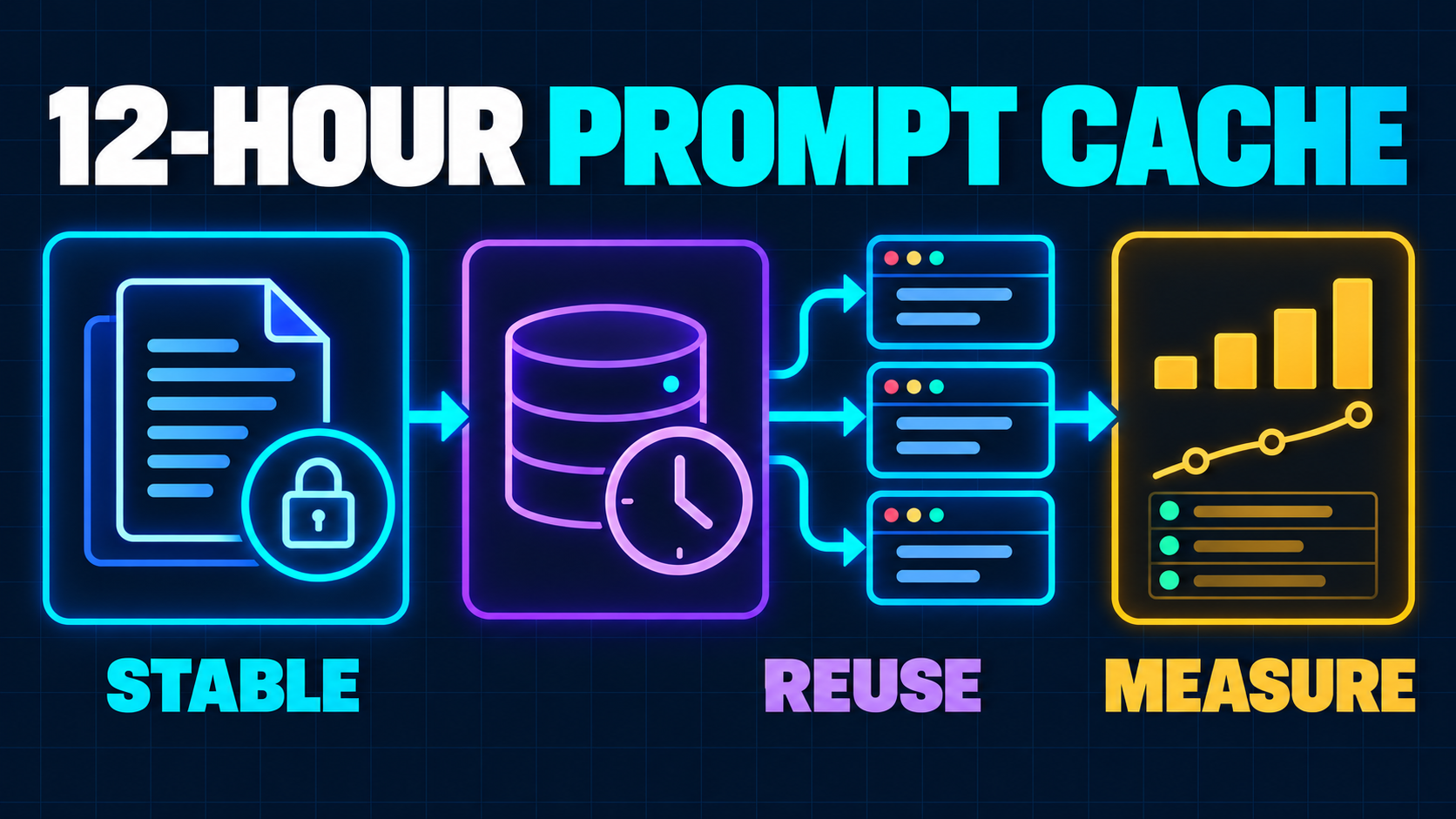
A long system prompt can be worth reusing. So can a large tool catalog, a policy manual, a grading rubric, or the shared reference material behind an AI workflow.
But paying to keep every prompt prefix warm for half a day is not automatically an optimization.
On October 20, 2026, OpenAI added a 12-hour prompt-cache option to the Responses API. The API changelog says it is intended for shared instructions, tools, and context that may be reused hours apart. The same announcement states that a 12-hour cache write costs 2.5 times the ordinary input-token rate.
That creates a useful but easy-to-misread trade-off. You pay a premium when the reusable prefix is written. You recover that premium only when enough later requests find the same prefix and qualify for the lower cached-input rate.
For a SaaS team, the decision is not “Should we enable caching?” Prompt caching is already part of supported OpenAI models. The real decision is narrower:
Which stable prefix deserves a 12-hour lifetime, and how will you prove that later reads justify the write?
What OpenAI 12-Hour Prompt Caching Changes
Prompt caching preserves the intermediate key-value state produced while a model processes the beginning of a request. A later request can reuse that work when its initial content matches an eligible cached prefix.
OpenAI's prompt-caching guide documents two minimum lifetimes for GPT-5.6 and later model families in the Responses API:
30m, the default, with cache writes billed at 1.25 times the uncached input rate;12h, with cache writes billed at 2.5 times the uncached input rate.
Cache reads use the model's cached-input rate under either lifetime. The 12-hour setting therefore does not make a hit cheaper than a 30-minute hit. It buys a longer minimum window in which the written prefix can remain eligible for reuse.
That difference matters for workflows with gaps: an internal research assistant used throughout a workday, a document-review rubric applied in periodic batches, or a support agent whose shared policy context is used by multiple sessions.
It matters much less for a short chat whose turns arrive seconds apart. The 30-minute lifetime already covers that shape at a lower write price.
The setting is also a minimum lifetime, not a deletion instruction. OpenAI says entries may remain longer, and 12h does not change the maximum data-retention policy. Treat cache lifetime and deletion guarantees as separate questions.
Start With the Reuse Shape, Not the Token Count
A large prompt is not automatically a good 12-hour cache candidate.
The candidate prefix must be both stable and repeatedly useful. Inventory the workflow using four questions:
- What remains byte-for-byte stable? Shared instructions, tool definitions, schemas, examples, and reference material are candidates. User input, timestamps, request IDs, and rapidly changing state are not.
- How often does the same prefix recur? Measure reuse by prompt version, model, tenant boundary, and workflow—not across all AI traffic.
- How long are the gaps? If nearly all reuse happens within 30 minutes, the longer lifetime adds write cost without adding useful coverage.
- What invalidates the prefix? A policy edit, tool-schema change, new example, or model change can create a new prefix and another write.
Consider a SaaS support copilot. Its stable material might include the response policy, product terminology, allowed actions, and tool schemas. The current ticket, authenticated account data, and recent events belong after that stable section.
Now compare it with a proposal generator that assembles a different customer brief, pricing table, and requirements document on every request. It may send many tokens, but the repeatable prefix could be small. A long lifetime cannot create reuse that the request structure does not have.
This is similar to model routing: cost optimization begins by classifying the workload. The SaaS model-routing guide explains why task consequence and quality should choose the model. Reuse shape should choose the cache lifetime.
Model the Break-Even Point Before Enabling 12 Hours
Use the current model and processing-tier prices, not a generic “cached tokens are cheaper” claim. OpenAI's pricing page lists separate rates for ordinary input, cached input, 30-minute writes, and 12-hour writes. Those prices vary by model and processing tier.
Here is a normalized illustration for a model whose cached read costs 0.05 units for every 1 unit of ordinary input:
| Requests sharing one prefix | No cache reuse | One 12-hour write plus reads | Result | |---|---:|---:|---| | 1 | 1.00 units | 2.50 units | The write loses | | 2 | 2.00 units | 2.55 units | The write still loses | | 3 | 3.00 units | 2.60 units | The write begins to win | | 6 | 6.00 units | 2.75 units | Reuse creates clear value |
Illustrative: this table isolates input cost for one unchanged prefix. It is not a forecast. Real billing also includes changing input, output, tools, reasoning, tier differences, failed requests, and prefix changes.
The comparison against the 30-minute option is more important. If all six requests arrive inside one 30-minute window, a 30-minute write would have created the same read eligibility with a smaller write premium. The 12-hour setting earns its place only when valuable reads occur after the shorter coverage would no longer be available.
Build the calculation from observed buckets:
12-hour cache value =
  ordinary processing avoided by later hits
  - 12-hour write premium
  - replacement writes after prefix changes
  - misses caused by request-shape drift
Do this per workflow and prompt version. A blended account-wide cache-hit rate can hide an expensive workflow that constantly rewrites context behind a successful high-volume classifier.
Put Stable Context Before Dynamic Context
Prompt caching works on prefixes. That means request order becomes an economic design decision.
Place the most reusable material first:
- Stable developer instructions
- Stable tool definitions and output contracts
- Shared reference material or examples
- Session context
- The current user's data and request
Do not inject a timestamp, trace ID, tenant name, or newly serialized object near the top unless it genuinely changes the instructions that follow. One dynamic field early in the request can prevent a much larger suffix from matching.
For GPT-5.6 and later models, OpenAI supports explicit breakpoints. This lets a request mark the end of a reusable block and avoid writing the changing suffix merely because it appears later in the input.
const response = await client.responses.create({
  model: "gpt-6.1-sol",
  prompt_cache_options: { mode: "explicit", ttl: "30m" },
  input: [
    {
      role: "developer",
      content: [
        {
          type: "input_text",
          text: sharedInstructionsAndReferenceMaterial,
          prompt_cache_breakpoint: { mode: "explicit", ttl: "12h" },
        },
      ],
    },
    {
      role: "user",
      content: currentCustomerRequest,
    },
  ],
});
This shape keeps the shared prefix on the longer lifetime while leaving the request-wide default at 30 minutes. The exact SDK types and supported model should be verified against the current documentation before rollout.
Version the stable material deliberately. A key such as support-policy-v7 can help your application attribute costs and behavior, but a label does not make two different prefixes match. Keep the actual rendered content stable and promote a new version only after evaluation.
Do Not Turn Stale Context Into Product Policy
A cache is not a source of truth.
If pricing, permissions, account state, inventory, or compliance rules can change during the day, do not freeze those facts into a 12-hour prefix merely to improve a hit rate. Keep authoritative state behind a tool call or retrieve it after the stable instructions.
Separate three kinds of context:
- Durable instructions: response rules, schemas, terminology, and approved examples that change through a controlled release.
- Session context: conversation history and temporary working state that may benefit from 30-minute reuse.
- Live authority: entitlements, tenant membership, balances, document versions, and operational state that must be checked at action time.
This boundary protects both correctness and rollback. When a policy changes, you can release a new stable prefix. When a customer's entitlement changes, the next tool call sees it without waiting for a cached instruction block to expire.
The same distinction appears in safe agent design. The AI agent identity blueprint keeps authorization in product-owned controls rather than treating model context as permission.
Review Privacy and Residency Before Extending Lifetime
Longer cache eligibility is also a data-governance decision.
OpenAI's data-controls documentation says prompt caching may store encrypted key-value tensors in GPU-local storage as application state and that the tensors are not retained after the documented 24-hour maximum. It also notes that prompt_cache_options.ttl controls the minimum cache lifetime, not that maximum.
That does not mean every prompt is appropriate for a longer cache. Before enabling 12 hours:
- keep secrets, short-lived credentials, and unnecessary personal data out of the reusable prefix;
- verify the organization's retention controls and the endpoint's regional-processing behavior;
- define tenant boundaries for shared reference material;
- document which data classifications may enter cached context;
- confirm contractual promises against the current provider documentation.
Do not share one prefix across customers merely because their workflow looks similar. Shared product instructions can be common. Customer documents, private examples, or tenant-specific policy should follow the isolation model your product promises.
If regional processing matters, verify it directly. The data-controls guide warns that extended prompt caching in regions without regional processing support may require temporary processing or storage outside that region. Product copy should never turn an endpoint choice into an unsupported residency promise.
Instrument Writes, Reads, Misses, and Outcomes
A cache hit is not the product outcome. It is one input to latency and cost.
For Responses API models that support the new controls, usage details distinguish ordinary input, cached reads, 30-minute writes, and 12-hour writes. Track at least:
cached_tokens;cache_write_tokenssplit by lifetime;- first-token and end-to-end latency;
- total input and output cost;
- prompt version, model, processing tier, and workflow;
- completed-task cost and quality outcome.
OpenAI's deployment checklist recommends logging cache reads and writes and comparing write volume with later reuse. That is the right production gate.
Do not optimize a support agent into worse answers by removing necessary context. Do not keep a huge reference pack stable after it becomes obsolete. And do not celebrate a high hit rate if the workflow needs more retries or human corrections.
Tie the cache telemetry to the broader evaluation approach in How to Evaluate AI Agents Before Production: task success, tool behavior, latency, and cost belong in one view.
A Seven-Step 12-Hour Cache Rollout
- Choose one workflow. Prefer a recurring AI feature with a large, stable prefix and requests spread across several hours.
- Capture the baseline. Record ordinary input tokens, current cached reads, latency, completed-task cost, and quality outcomes for at least one representative traffic cycle.
- Separate the prefix. Move stable instructions, tools, schemas, and approved reference material before dynamic customer context.
- Add an explicit boundary. Mark only the reusable block for
12h; keep fast-changing session context on the shorter lifetime or outside cache writes. - Review data policy. Remove unnecessary sensitive content and verify retention, regional processing, and tenant-isolation assumptions.
- Shadow the economics. Compare the observed write premium with later hits, misses, invalidations, latency, and completed-task quality.
- Promote or revert. Keep 12 hours only where it beats the 30-minute path over a representative period. Revert low-reuse workflows without redesigning their model route.
When 12-Hour Caching Is the Wrong Tool
Stay with the default 30-minute lifetime when requests cluster inside active sessions, stable content is small, or the prefix changes frequently.
Use retrieval or tool calls when facts must be fresh. Reduce unnecessary context when the prompt is large because it accumulated duplicate or irrelevant material. Change the model route when the quality-cost mismatch comes from using an oversized model, not from repeated input work.
And skip prompt optimization entirely when the workflow has not passed a quality gate. Making an unreliable action cheaper and faster does not make it production-ready.
The best 12-hour candidate has a clear shape: a large approved prefix, real reuse after 30 minutes, controlled invalidation, acceptable data handling, and telemetry that connects cache behavior to the completed user task.
Related Reading
- GPT-6 Sol and Luna: A SaaS Model Routing Guide — choose the model and reasoning lane before tuning repeated input cost.
- How to Evaluate AI Agents Before Production — connect cost and latency improvements to task quality and safe tool behavior.
- OpenAI Decisions API: A Safe Routing Blueprint — keep bounded model judgment separate from product authority.
Next Step
If your AI feature carries long instructions, many tools, or the same reference pack across a workday, prepare one day of request-level usage, prompt versions, latency, quality results, and data-flow notes.
A focused AI SaaS development review can separate stable from live context, model the 30-minute and 12-hour paths, and turn the winning design into a measured rollout without weakening evaluation, tenant isolation, or product authority.
Working on a SaaS that's starting to feel fragile?
Talk to an engineer about the parts that break first — without rewriting what already works. We'll recommend focused support or a compact team based on your scope.
Talk to an Engineer