


Claude Sonnet 4.5 Retires November 30: A SaaS Migration Guide
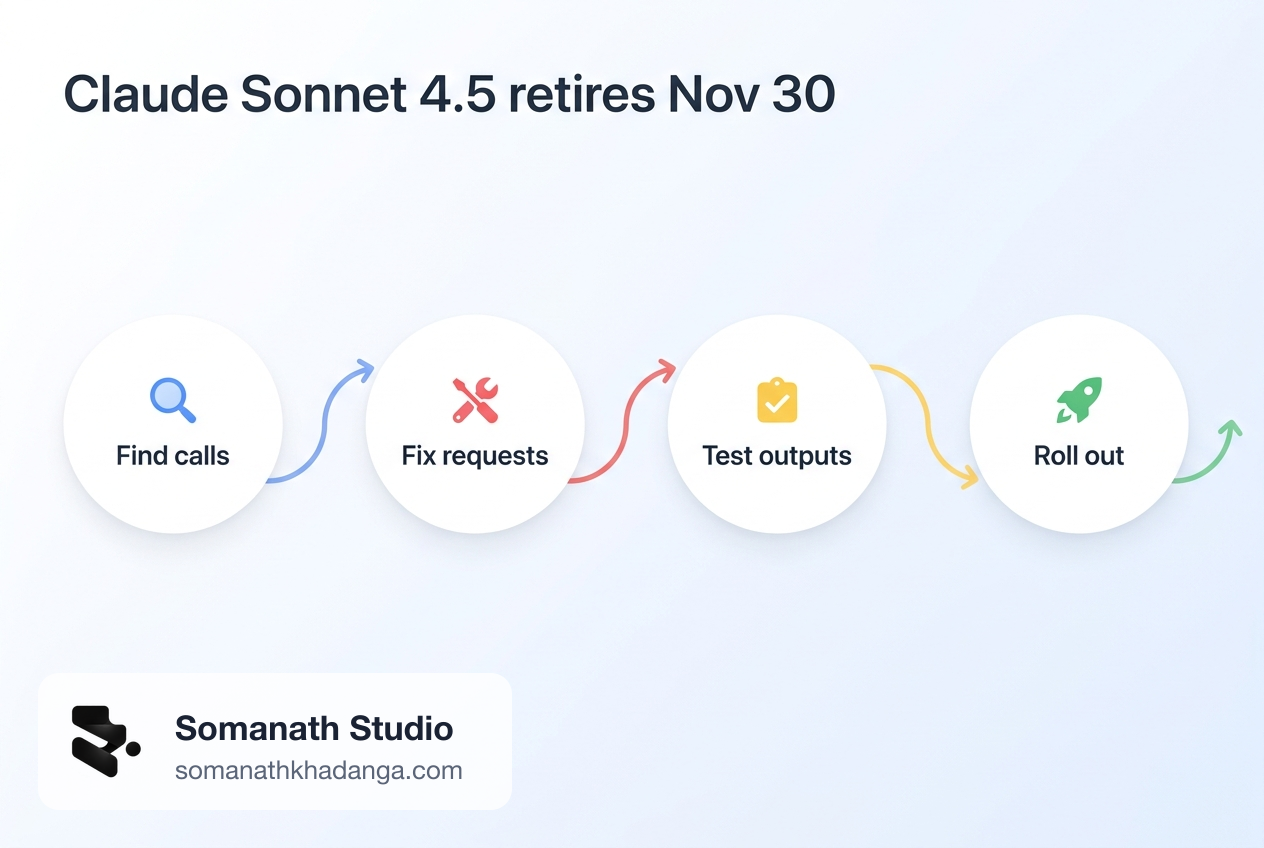
Claude Sonnet 4.5 has a shutdown date. Anthropic's model deprecations page lists claude-sonnet-4-5-20250929 as deprecated since September 30, 2026, with retirement on November 30, 2026. The recommended replacement is claude-sonnet-5-5. After retirement, in Anthropic's words, "Requests to retired models fail."
That leaves less than two weeks. The tempting fix is a one-line model ID change. For many SaaS codebases that change returns 400 errors straight away, because Sonnet 5.5 rejects several request settings that were normal on Sonnet 4.5. It also thinks by default, uses a tokenizer that produces more tokens for the same text, and handles tool calls differently.
This guide covers who is affected, what to change, how to test it, and how to roll out before the cutoff.
Who is affected
You are affected if any production code, job, or internal tool sends claude-sonnet-4-5-20250929 (or an alias that resolves to it) to an Anthropic-operated platform. Anthropic's page says its dates apply to the Claude API, Claude Platform on AWS, Claude Models on Google Cloud (Anthropic managed), and Microsoft Foundry.
Amazon Bedrock and Claude Models on Google Cloud (Google managed) set their own schedules. The same model may have a different end date there. If you call Claude through Bedrock, check the model card and the Bedrock model lifecycle page rather than assuming November 30 applies. The Bedrock page also notes that Legacy models can lose access for existing customers after 15 days of inactivity, which matters for rarely run jobs.
Places teams commonly forget:
- background jobs and queue workers that summarise, classify, or enrich data;
- evaluation scripts and CI checks that call a "known good" model;
- internal admin tools and Slack bots;
- per-tenant or per-plan model settings stored in the database, not in code;
- feature flags or remote config that pick a model at runtime;
- fallback chains where Sonnet 4.5 is the backup for another model.
Find every call before you change any
Start with an inventory. Anthropic suggests the Console usage export: on the Usage page, click Export, and the CSV breaks usage down by API key and model. That tells you which keys still send Sonnet 4.5 traffic, which usually maps to services.
Then search the code and config, first for the model ID and then for settings that Sonnet 5.5 rejects or treats differently:
git grep -nE "claude-sonnet-4-5|claude-sonnet-4\.5|sonnet-4-5" -- . ':!*.lock'
git grep -nE "budget_tokens|temperature|top_p|top_k|tool_choice|output_format|interleaved-thinking|fine-grained-tool-streaming" -- . ':!*.lock'
Also query any database table or config store that holds a model name. A model ID that lives in a tenants.ai_model column will not show up in git grep.
List each call site with its owner, the settings it sends, whether it uses tools or images, and how you will test it. This list becomes your rollout plan.
What Sonnet 5.5 rejects
The Claude Sonnet 5.5 migration guide lists changes by starting model. For a team coming from Sonnet 4.5, these are the ones that fail requests outright:
| Sonnet 4.5 setting | On Sonnet 5.5 | What to do instead |
|---|---|---|
thinking: {"type": "enabled", "budget_tokens": N} | 400 error | Remove the budget; set output_config.effort |
temperature, top_p, top_k | Error (always on API version 2026-10-21; for non-default values on older versions) | Remove them; steer behaviour with the prompt |
| A prefilled last assistant turn | 400 error | Structured outputs, or move the text into the user turn |
tool_choice of type any or tool | 400 error | tool_choice: {"type": "auto"} plus strict: true on the tool |
thinking: {"type": "disabled"} | 400 error | thinking: {"type": "between_tools"} |
output_format without its beta header | 400 error | output_config.format |
computer_20250124 tool | 400 error | computer_toolset_20260801 |
The sampling parameter change is worth a closer look. Anthropic's API parameter deprecations say temperature, top_p and top_k are removed in API version 2026-10-21, and that older API versions also reject non-default values on Claude 4.7 and later models. Many SaaS codebases set temperature: 0 for "deterministic" classification. That line now has to go.
Forced tool use is the other common one. Teams often force a tool to get structured JSON out of the model. On Sonnet 5.5 the guide recommends auto with a strict tool, and notes that the model can then answer without calling the tool, so the prompt should say when to use it. Strict tools need additionalProperties: false on every object, and a request can have at most 20 of them.
What changes without an error
These changes return 200 and still break things, which makes them harder to catch.
Thinking runs by default. A Sonnet 4.5 request with no thinking field ran without thinking. On Sonnet 5.5 the same request runs with adaptive thinking. The response can start with thinking blocks, so code that reads response.content[0].text gets the wrong block. Thinking tokens are billed as output tokens and count against max_tokens. Thinking text is also omitted by default; set display: "summarized" if you show it to users.
Token counts go up. The guide says the same text produces about 30 percent more tokens on Sonnet 5.5 than on Sonnet 4.5, depending on the content. That affects cost, max_tokens, context limits, and any truncation logic you wrote around token counts. Recount with the token counting endpoint rather than reusing old numbers.
Images cost more. Sonnet 5.5 uses a higher resolution tier. Per the guide, a 2000×1500 image costs about 2.5 times as many tokens as on Sonnet 4.5. Document and screenshot features need a fresh cost estimate.
Text between tool calls moves. Longer notes the model writes between tool calls come back as thinking blocks, empty at the default display setting. An agent UI that shows "what the model is doing" can go quiet with no error.
Refusals change. Sonnet 5.5 can stop with stop_reason: "refusal" in more categories, and real-time cyber safeguards are new compared with Sonnet 4.5. Products that process security-related content should test that path on purpose.
Tool input escaping can differ. Parse tool input with a standard JSON parser, not string matching.
A step-by-step migration
- Freeze the inventory. Use the call-site list from above. No new Sonnet 4.5 usage from this point.
- Centralise the model ID. If the model name is scattered across files, move it into one config value per workload. This makes the switch and the rollback a config change.
- Fix request shape per call site. Remove sampling parameters, thinking budgets and prefills. Replace forced
tool_choicewithautoand strict tools. Swapoutput_formatforoutput_config.format. Remove theinterleaved-thinking-2025-05-14header and any context-window beta header. - Decide thinking per workload. For simple classification or extraction where latency matters,
thinking: {"type": "between_tools"}is the lowest setting. It is accepted atlow,mediumandhigheffort only. For reasoning-heavy work, keep adaptive thinking. - Set effort explicitly. Sonnet 4.5 had no effort parameter. The guide says the default on the Claude API is
high, suggestsmediumorlowfor chat and latency-sensitive work, andmediumas a starting point for well-specified agentic tasks. There is no fixed mapping from an old thinking budget to an effort level, so evaluate at two or three levels. - Read responses by block type. Loop over
contentand pick blocks bytype. In tool loops, passthinkingblocks back unchanged, including empty ones, and keep conversations append-only. - Recount tokens and re-budget. Re-run token counts on representative prompts and images. Adjust
max_tokens, context trimming, per-tenant quotas, and pricing assumptions. - Handle refusals. Make sure your code has a path for
stop_reason: "refusal"that does not show a blank answer.
A minimal before and after for a classification call, in TypeScript:
// Before (Sonnet 4.5)
await client.messages.create({
  model: "claude-sonnet-4-5-20250929",
  max_tokens: 200,
  temperature: 0,
  tool_choice: { type: "tool", name: "label_ticket" },
  tools: [labelTicketTool],
  messages,
});

// After (Sonnet 5.5)
await client.messages.create({
  model: process.env.TRIAGE_MODEL, // "claude-sonnet-5-5"
  max_tokens: 1024, // illustrative: recount for your prompts
  thinking: { type: "between_tools" },
  output_config: { effort: "low" },
  tool_choice: { type: "auto" },
  tools: [{ ...labelTicketTool, strict: true }],
  messages, // system prompt now says: "Always answer by calling label_ticket."
});
The max_tokens value above is illustrative, not a recommendation. Measure your own outputs.
How to test it
A model swap needs two kinds of test: does the request still work, and is the output still good enough.
Contract tests. For each call site, send one real request to claude-sonnet-5-5 in staging. A 400 here tells you a setting was missed. Include tool-use paths, image inputs, streaming, and the token counting endpoint, which also rejects forced tool_choice.
Output evaluation. Build a small fixed set of real inputs per workload (with customer data handled under your normal policies) and compare old and new outputs. Score what the feature needs: label accuracy for classification, schema validity for extraction, factual grounding for summaries, correct tool calls and final state for agents. Our guide to evaluating AI agents before production covers how to set this up.
Cost and latency. Run the evaluation set at your chosen effort level and record input tokens, output tokens (including thinking), and latency. Compare against the Sonnet 4.5 baseline from your usage export.
Failure paths. Test a refusal, a max_tokens cut-off, a tool error, and a long conversation that crosses the context limit.
Roll out before the cutoff
With a centralised model ID, roll out per workload, lowest risk first. A sensible order for many SaaS apps is internal tools and evaluation jobs, then background jobs, then user-facing features.
Use a percentage split or per-tenant flag for user-facing features. Watch error rate by status code, refusal rate, output token usage, latency, and whatever quality signal you have (thumbs down, edit rate, support tickets).
Aim to finish a few days before November 30, so a missed call site shows up in logs before the requests start failing.
Rollback, and the trap after November 30
Before the cutoff, rollback is simple: point the config value back at claude-sonnet-4-5-20250929. Keep the old request shape in version control until each workload has been stable for a while.
After November 30, that rollback target is gone on Anthropic-operated platforms. Rolling back to an older deployment that still names Sonnet 4.5 brings back failing requests, not the old behaviour. If you need a fallback model after the cutoff, pick another active model, such as claude-sonnet-4-6 (listed as active, not retiring sooner than February 17, 2027), and run the same contract tests on it now. Sonnet 4.6 also rejects assistant prefill, and API version 2026-10-21 rejects sampling parameters on every model, so it is not a way around most of the request changes.
Any fallback chain that lists Sonnet 4.5 as a backup needs the same fix before the date.
Frequently Asked Questions
What happens to Claude Sonnet 4.5 requests after November 30, 2026?
On the Claude API and other Anthropic-operated platforms, requests to claude-sonnet-4-5-20250929 fail after the retirement date. Anthropic's deprecations page says requests to retired models fail. There is no automatic redirect to a newer model.
Can I just change the model ID to claude-sonnet-5-5?
Only if your requests use none of the settings Sonnet 5.5 rejects. Thinking budgets, temperature, top_p, top_k, assistant prefill, forced tool_choice and thinking type disabled all return a 400 error on Sonnet 5.5. Thinking also runs by default, so code that reads content[0].text can break.
Does the November 30 date apply on Amazon Bedrock and Google Cloud?
Not necessarily. Anthropic says its dates apply to Anthropic-operated platforms. Amazon Bedrock and Claude Models on Google Cloud (Google managed) set their own retirement schedules, so check the model card or lifecycle page for the platform you call.
When this is a small job, and when it is not
It is a small job when Sonnet 4.5 is called from one or two places, without tools, prefill or sampling settings, and you already have a few saved examples to compare outputs. A developer can change, test and ship that in a day or two.
It is a bigger job when model IDs are spread across services and tenant config, when features depend on forced tool use or prefill for structured output, when you run agents with tool loops, or when nobody has a baseline for output quality and cost. That is also the moment to make model choice a per-workload setting, so the next retirement is a config change. The same idea runs through our posts on routing workloads across models and on the Cloudflare Workers AI model retirements.
Related Reading
- How to Evaluate AI Agents Before Production
- GPT-6 Sol and Luna for SaaS: Route Workloads, Don't Replace Everything
- Cloudflare Workers AI Retires 24 Models on November 20
- Agent Builder Is Winding Down: Make Your AI SaaS Portable
Next Step
If your product still sends Sonnet 4.5 traffic, start with the usage export and the code search today, and list every call site with its owner. Teams that find tool loops, prefill-based parsing, or model IDs stored per tenant usually benefit from a second pair of hands. Our AI SaaS development service covers this kind of model migration, from the inventory to evaluation and a staged rollout.
Working on a SaaS that's starting to feel fragile?
Talk to an engineer about the parts that break first — without rewriting what already works. We'll recommend focused support or a compact team based on your scope.
Talk to an Engineer